Buying guides
Printer for School Office: Copiers, Security and Budgets
Written by Printer.business Editorial Team · Updated
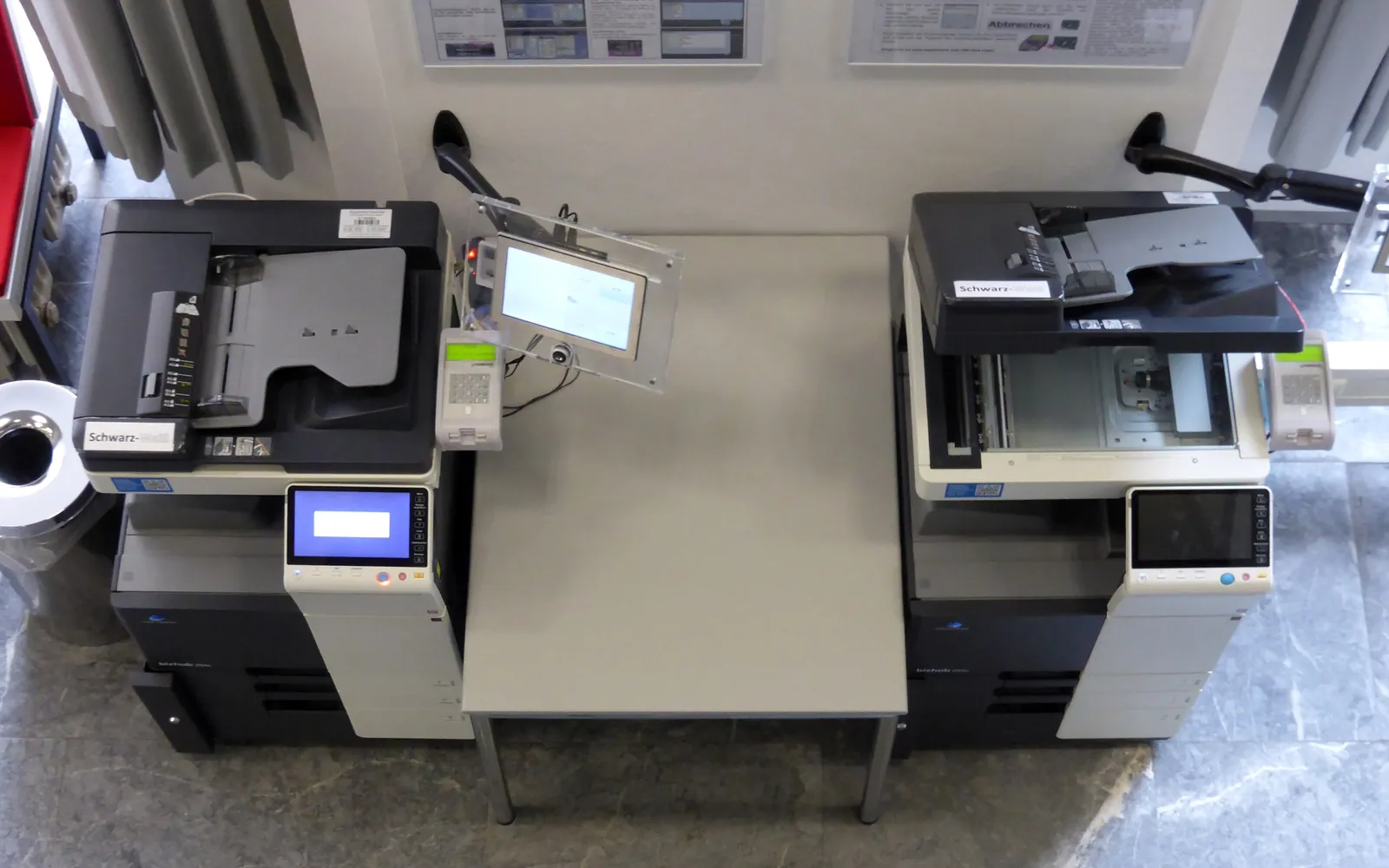
Choosing a printer for school office use means planning for a workload unlike most small businesses. A school prints in bursts: worksheets and handbooks at the start of term, reports and exam papers at fixed points in the year, and quieter weeks in between. It also handles sensitive records about children and families, and its staff copy published material under copyright rules. This guide explains how to plan devices for the staff workroom and the front office, keep usage under control, and handle records and copyright sensibly.
Two jobs, often two devices
Most schools have two quite different printing needs:
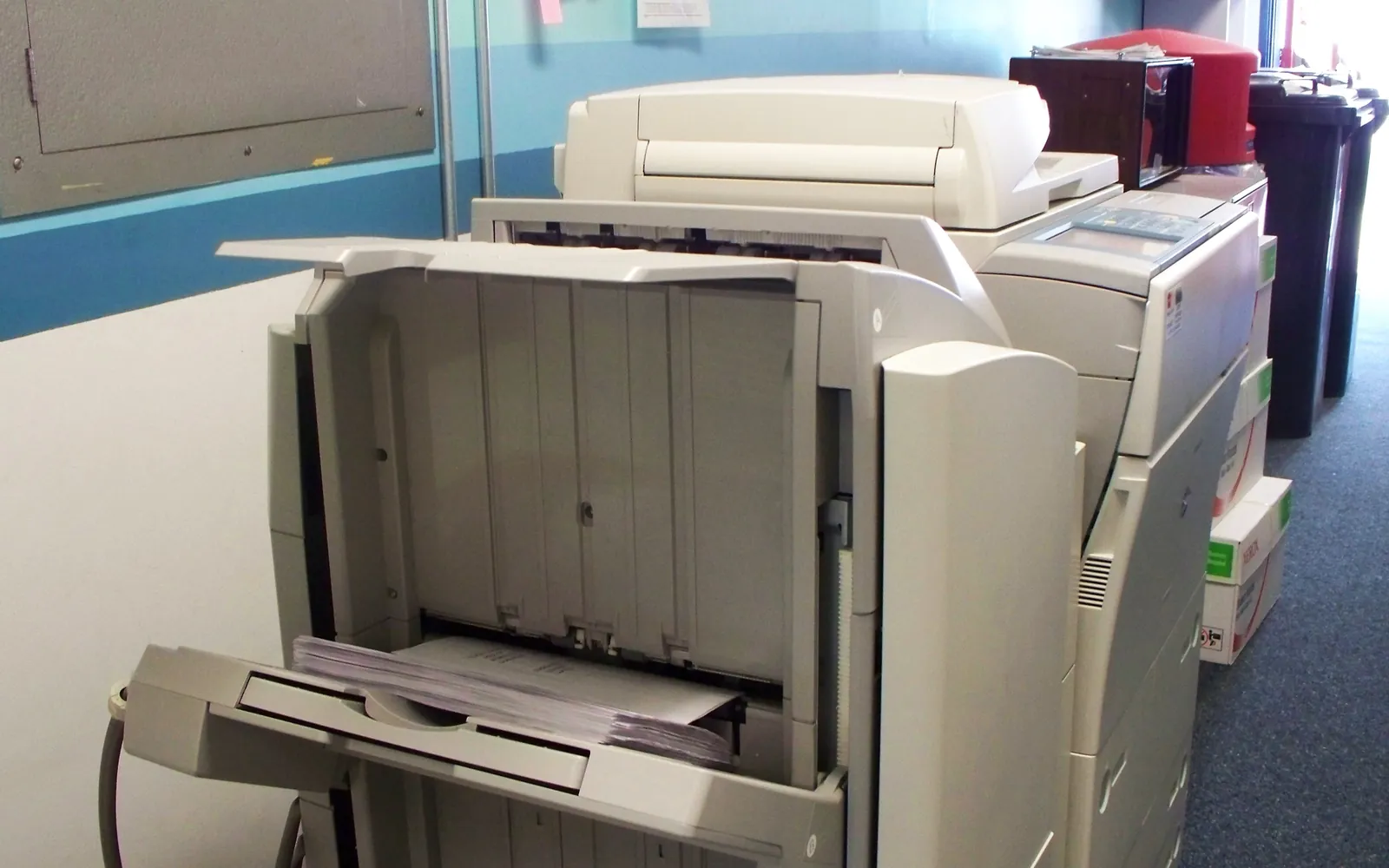
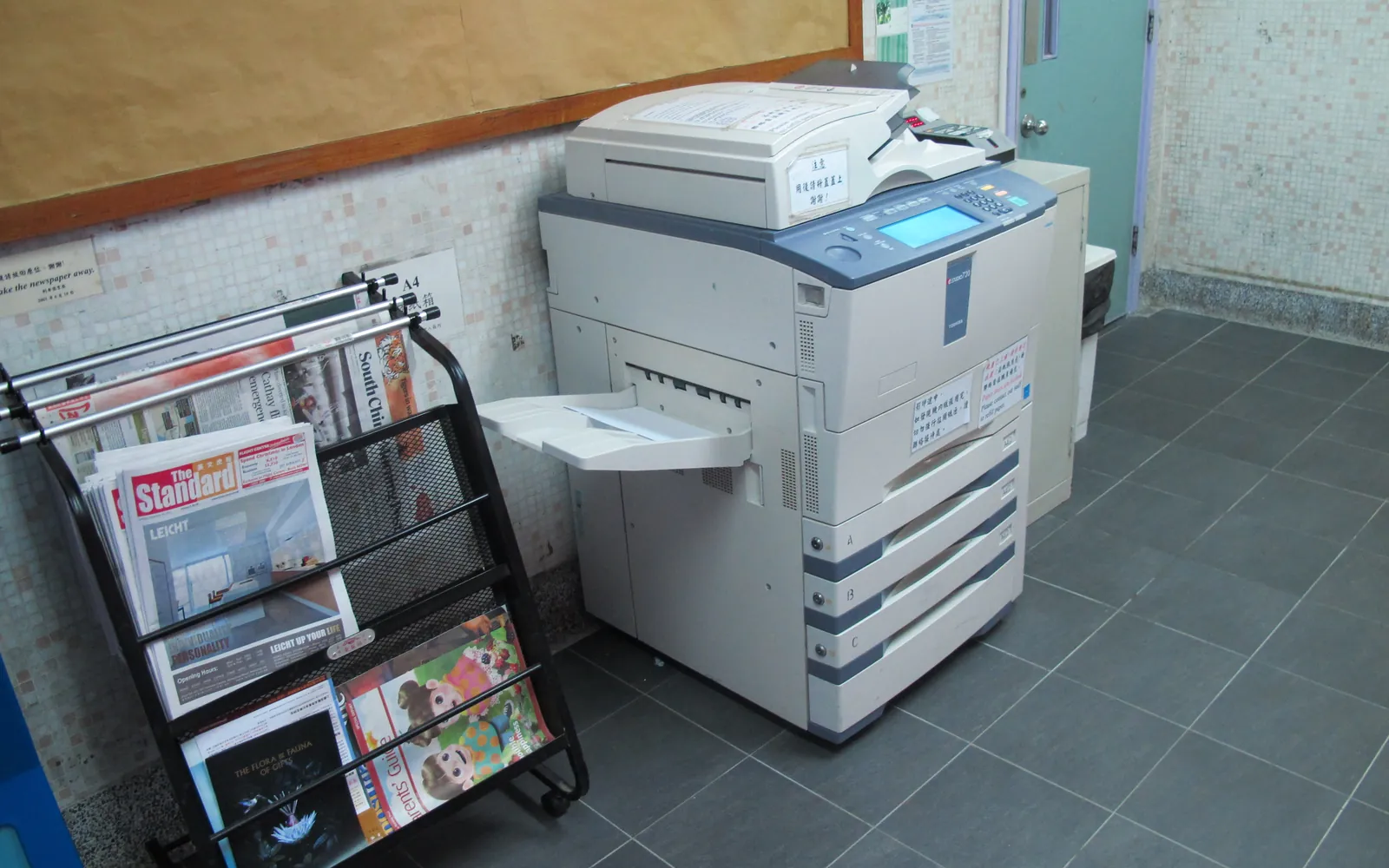
- The staff workroom or reprographics room. Teachers copy worksheets, booklets and handouts in batches. This calls for a high-volume multifunction copier with large paper trays, fast duplex and often stapling or booklet finishing.
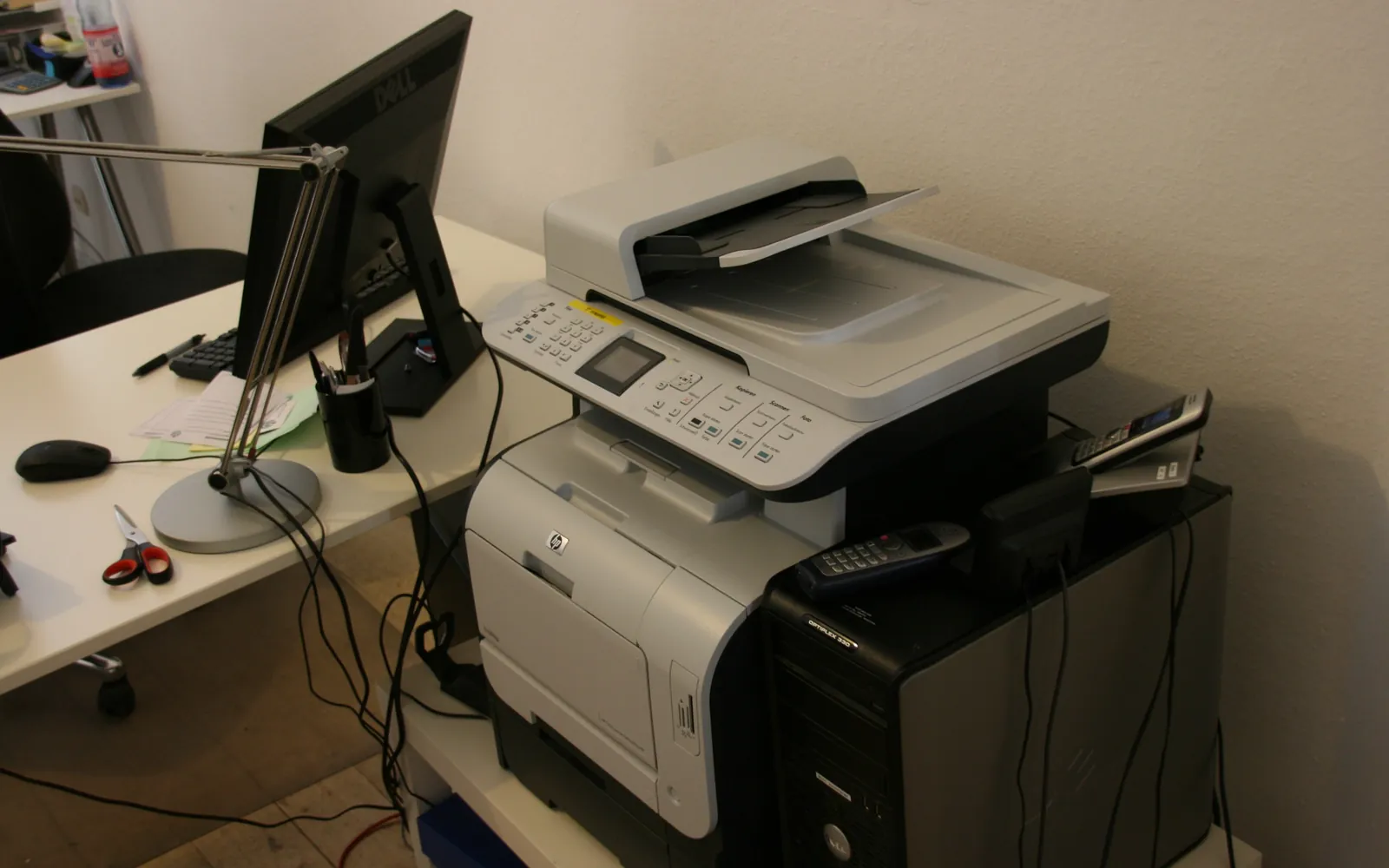
- The front office. Letters to families, attendance and admissions paperwork, visitor forms and records. Volume is lower but content is more sensitive, so a smaller printer with secure release, placed in a staff-only area, is often the right choice.
Small schools sometimes run everything on one device. That works if the device is sized for the peaks and confidential jobs are protected with secure print release, so a letter about a pupil does not sit in the tray while a class set of worksheets prints.
What the front office printer needs
The front office device does less volume but more varied work, and it is often the one parents and visitors see. Useful features:
- Scanning with a document feeder, so admissions forms, consent slips and letters can be scanned straight into the records system rather than filed on paper. Our guides to scan to email and scan to folder cover the set-up.
- Envelope and label handling, if the office posts letters home. Check the supported media for the bypass tray; see the office printer paper guide.
- Secure release and a staff-only location, because pages left in the tray may concern pupils.
- Reliable, simple operation, since office staff and supply cover may use it without IT help.
Some schools also print visitor badges or pupil ID cards. A small label printer or a dedicated ID card printer does that better than the main device.
Size the copier for peak weeks
Average monthly volume is misleading in a school. A copier that copes comfortably in a quiet month may queue for long periods in the first week of term. When you size equipment:
- Read the meters on current devices, or ask your supplier for usage reports by month, and look for the highest months, not just the average.
- Compare those figures with the recommended monthly volume of candidate devices, which is more useful than the maximum duty cycle; see printer duty cycle and monthly volume.
- Check paper capacity. Large trays or a high-capacity feeder save staff from refilling between jobs.
- Consider how many printers the building needs, including a second workroom device in larger schools to avoid single points of failure in busy weeks.
Finishing that saves staff time
Finishing options often matter more in schools than in offices of the same size. Common choices:
- Duplex as the default, which halves paper use for most handouts.
- Stapling for multi-page worksheets and packs.
- Hole punching if pupils keep work in ring binders.
- Booklet making for programmes, handbooks and reading booklets.
Each adds cost and floor space, so choose based on what staff actually produce. Our guide to copier finisher options explains inner and floor finishers and booklet makers.
Copy codes, quotas and budgets
User tracking is standard in many schools. Staff log in with a code or card at the device, and the system records pages by person or department. The benefits:
- Budgets can be allocated by department, as described in print cost allocation by department.
- Forgotten jobs are not printed, because the job waits until the user releases it.
- Unusual volumes stand out, which helps when deciding whether to move material online.
Keep the system simple to use. If logging in is slow, staff will look for workarounds, such as personal desktop printers that cost more per page.
Student records and privacy
School offices print, scan and copy information about children: admissions forms, medical notes, safeguarding records, reports and correspondence. In the United States, the Family Educational Rights and Privacy Act (FERPA) gives parents rights over their children’s education records and limits who can receive personal information from them; the US Department of Education publishes guidance. Other countries have their own data protection laws, such as the GDPR in the EU and UK.
For the printer itself, that means:
- Secure release for anything containing student information.
- Controlled scan destinations, so scans go to the school’s records system or approved folders, not personal email.
- Storage wiping when a device is returned at the end of a lease. The FTC’s guide on digital copier data security and NIST SP 800-88 describe the issue; see copier hard drive data security for practical steps.
- Placement in a staff-only area, out of reach of visitors and pupils; see office printer placement.
Copyright and classroom copying
Copying published material is limited by copyright law. In the US, the Copyright Office’s Circular 21 reprints the guidelines for classroom copying that were agreed in 1976; they set out conditions such as brevity, spontaneity and cumulative effect, and limit multiple copies to one per pupil in a course. Many other countries license school copying through collective licensing schemes, with their own limits. A short notice on the copier pointing staff to the school’s copying rules is a sensible step. This page is general information, not legal advice.
Leasing, service and running costs
Schools often lease copiers with a service contract that includes toner and maintenance, billed per copy. This makes budgeting predictable, but compare the full cost over the term, including any minimum volumes, with buying outright. Our guides to copier cost per click, lease vs buy and the end of a copier lease cover the main traps.
Energy use matters too, because school devices sit idle in the evenings, at weekends and during holidays. Check ENERGY STAR certification and published figures, and set sleep and auto-off timers; see office printer energy use.
A short checklist for the school business manager
- Collect meter readings by month and identify peak weeks.
- Plan the workroom copier and the front office printer separately.
- Decide on finishing: duplex, stapling, punching, booklets.
- Require user codes or card release with reporting.
- Set secure release and scan destinations for records.
- Write down copying rules for staff.
- Compare lease and purchase costs over the full term, including service.
With those points settled, supplier quotes become easier to compare, and the devices you choose are more likely to cope with the first week of term.
Frequently asked questions
What kind of printer does a school office need?
Most schools need a high-volume multifunction copier in the staff workroom for teaching materials, with duplex, stapling and possibly booklet finishing, plus a smaller secure printer in the front office for letters, records and visitor paperwork. Small schools sometimes manage with one well-placed device and secure release.
How many copies does a school make per month?
It varies widely with the number of staff and pupils and how much teaching is digital. Do not use a generic figure: read the meters on your current devices, or ask your supplier for usage reports, and size new equipment from your own numbers, allowing for peak weeks.
Should teachers have copy codes?
Copy codes or card release are common in schools because they show usage by person or department, let you set quotas if needed, and stop forgotten pages piling up. They also make it easier to allocate printing costs fairly.
Can a school photocopy textbooks for students?
Only within the limits of copyright law and any licence the school holds. In the US, the Copyright Office's Circular 21 reprints guidelines for classroom copying; many other countries have collective licensing schemes for schools. Check the rules that apply to your school before copying published material in bulk.
Is leasing a copier a good idea for a school?
Leasing with a service contract is common in schools because it spreads cost across budget years and includes maintenance. Compare the total over the term, including cost per copy, with buying, and read the end-of-lease terms before signing.
Sources
Printer.business Editorial Team
Editorial team
The Printer.business editorial team writes independent guides on choosing, costing and managing office printers, using primary sources such as ISO/IEC standards, ENERGY STAR, NIST and the UK NCSC.