Print management
Secure Print Release and Pull Printing for Small Offices
Written by Printer.business Editorial Team · Updated
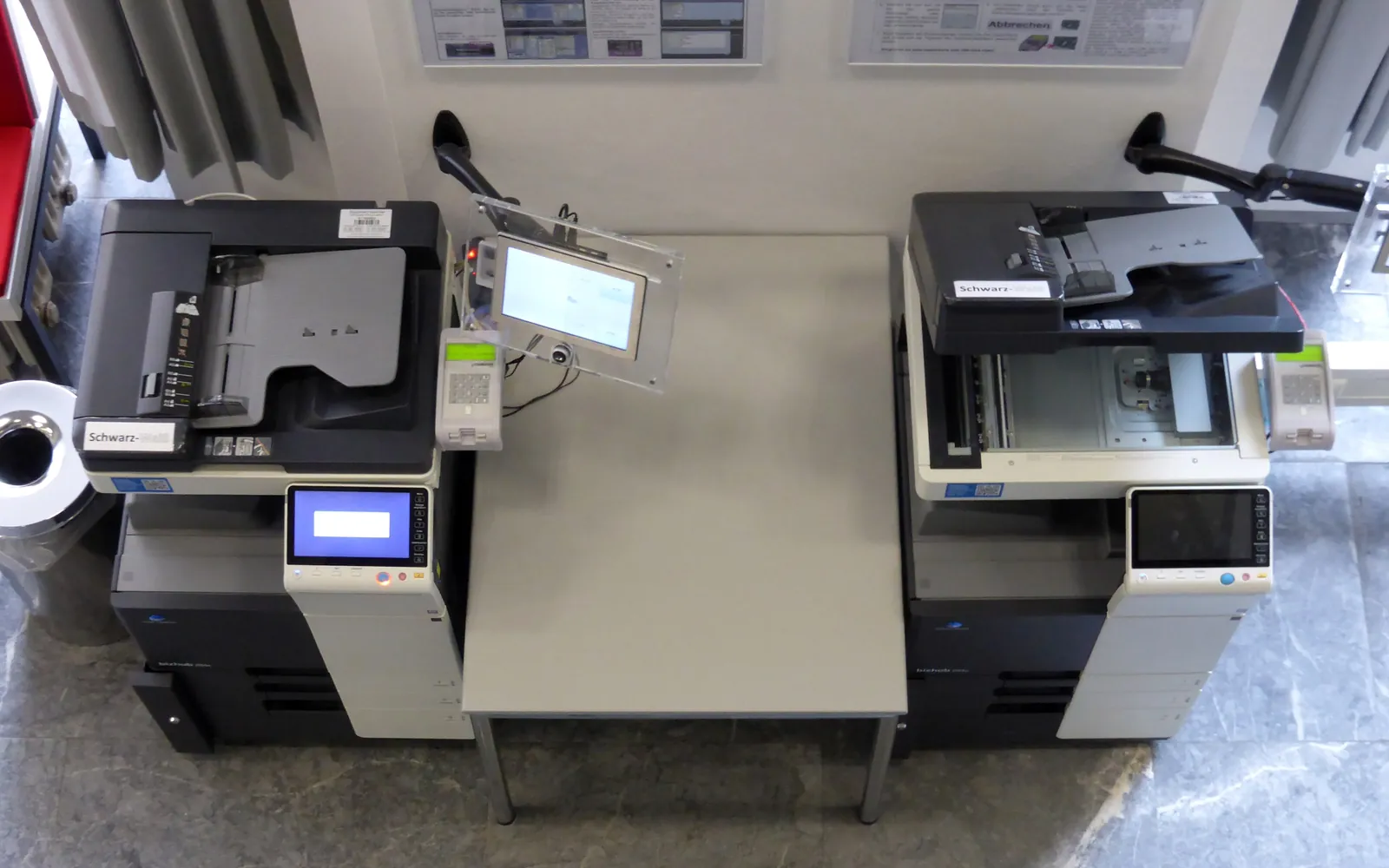
Secure print release solves two everyday office problems at once: confidential pages left lying in a shared tray, and piles of printouts nobody collects. Instead of printing immediately, a job waits until its owner is standing at the printer and proves who they are. This guide explains the options, from simple PIN printing to full pull printing, and how to roll it out in a small office.
How secure print release works
- The user prints as normal, choosing a secure or held queue.
- The job is held, either on the printer’s own storage or on a print server or cloud service.
- At the device, the user authenticates with a PIN, an ID card, a mobile app or a username and password.
- The user picks their jobs and they print.
- Jobs that are not released within a set time are deleted.
The main options
| Option | How it works | Good for |
|---|---|---|
| PIN / confidential print | User sets a PIN in the driver; job held on that printer | One or two devices, occasional confidential jobs |
| Device user login | Users log into the MFP with a code or card; held jobs listed | Shared MFPs with user accounting |
| Server-based pull printing | Jobs held centrally; release at any compatible device | Several devices, staff who move around |
| Cloud print management | Hosted queue and release, often via an app or card reader | Offices without a server, hybrid workers |
Many business MFPs support at least PIN printing out of the box. Card readers and pull printing usually require additional licences or a managed print service.
Benefits
- Confidentiality: HR, payroll, legal and client documents are only printed when the owner is present.
- Less waste: jobs sent by mistake or forgotten are never printed, saving paper and toner. See our cost per page comparison for what each page costs.
- Flexibility: with pull printing, a user can collect at the nearest working printer if one is busy or broken.
- Accountability: release logs show who printed what and when, which helps with an office print policy.
Things to plan before rollout
- Which documents or users must use secure release. Start with HR, finance and management.
- Authentication method: PINs are cheap; cards are faster and reuse existing building badges if compatible.
- Retention time: how long held jobs are kept before deletion (for example, 24 hours).
- Where jobs are stored: on the device, a local server or a cloud service. Check encryption and who can access the queue.
- Fallback: what happens if the server or cloud service is down.
- Training: a one-page guide and a short demo at each device.
Security considerations
Secure release protects paper output, but it should sit within wider network printer security: current firmware, encrypted print traffic, a changed admin password and storage that is wiped before a device leaves. If held jobs are stored on the device, enable encryption and automatic overwrite where available.
Choosing devices that support it
When buying, check for:
- built-in confidential or PIN print in the driver;
- support for card readers and the card types used in your building;
- compatibility with the print management software you might use;
- a control panel that makes picking jobs easy.
Our multifunction printer guide and office printer buying guide include these points in their checklists.
Common rollout problems
- Users forget to release jobs in the first weeks. A short reminder on the device screen and a retention time of a day or so help.
- Card readers do not recognise building badges because the card technology differs. Test one card before ordering readers.
- Mobile and guest printing may bypass the held queue. Decide whether those routes are allowed and how they authenticate.
- The release server becomes a single point of failure. Agree a fallback, such as temporary direct printing for non-confidential jobs.
Measuring the effect
Before rollout, read page counters on each device for a month. After rollout, compare. Many release systems also report jobs deleted unprinted, which shows the waste you avoided. Combine that with your total cost of ownership to see whether the licences pay for themselves.
Where secure release fits
Secure release usually needs a print server, a cloud print service or software on the device; our print server vs direct IP printing guide compares the options for small offices. It is one of the most effective controls for regulated documents, which is why it features in HIPAA compliant printing. It also cuts waste from uncollected pages, one of the steps in how to reduce printing costs.
Badges, cards and PINs
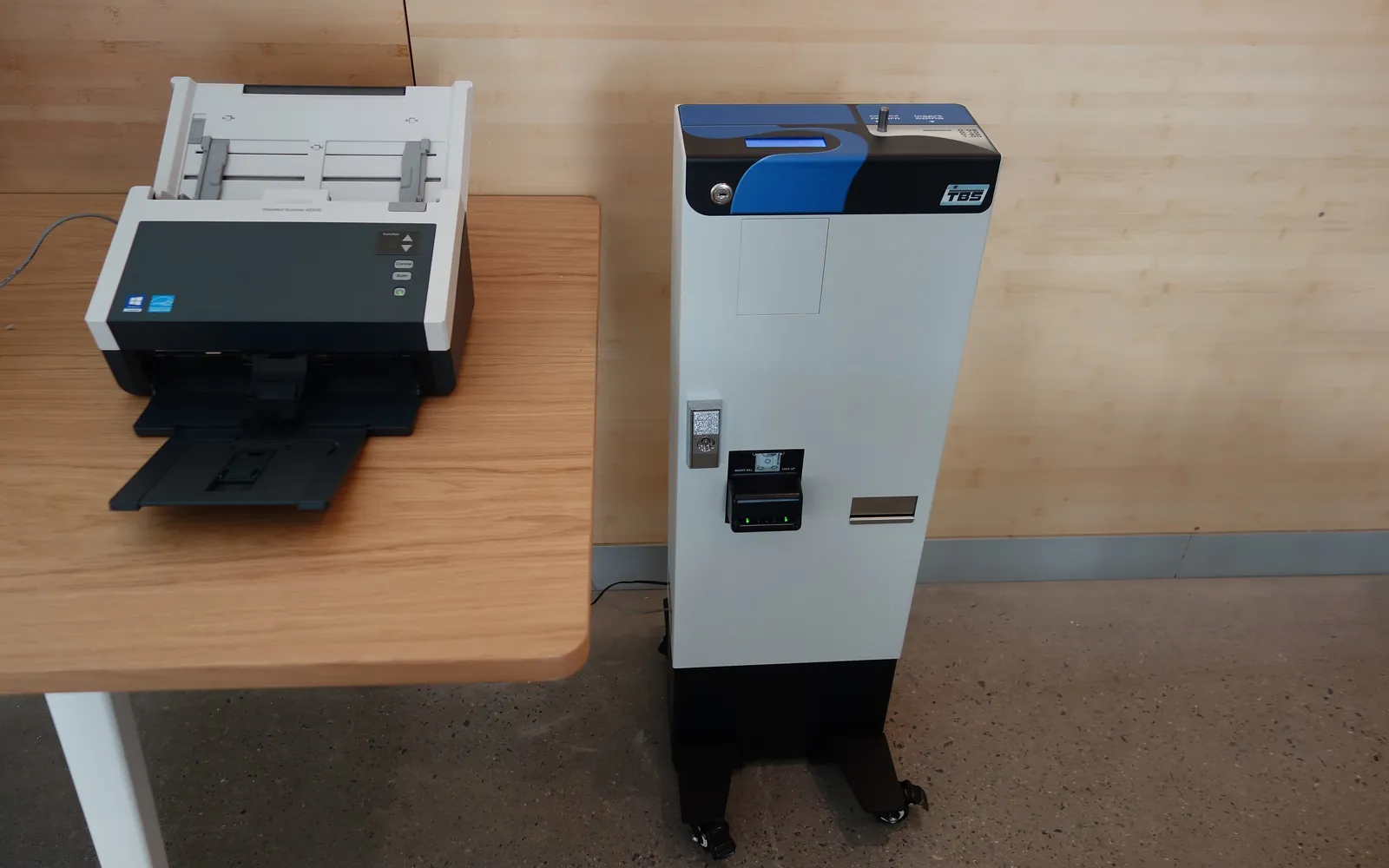
Most secure release systems let people authenticate with a PIN, a phone app or a card. Cards are the fastest at the device, and many offices use the same staff badge that opens doors. That only works if the card technology matches: a reader for 13.56 MHz contactless cards will not read an older 125 kHz proximity card, and different card formats can carry the user number in different ways. Before you order readers, check which cards your staff already carry, and before you order new badges, check what the print release readers accept. If you print badges in-house, our guide to the ID card printer for business explains encoder options and the security of badge data.
Plan for lost and forgotten cards as well: a PIN fallback, a quick way to disable a lost card, and a process to register replacement cards. Keep the user list in step with your staff directory so people who leave lose access to their print queue.
Secure release protects documents printed in the office. For confidential work that is too large or specialised for the office printer, agree secure file transfer and deletion with the print shop instead; see outsourcing printing vs in-house.
Summary
Secure print release is one of the simplest ways to protect confidential documents and cut waste. Small offices can start with built-in PIN printing and move to card-based pull printing as they grow or adopt managed print.
Frequently asked questions
What is secure print release?
Secure print release means a print job is held until the person who sent it authenticates at the printer, for example with a PIN or ID card. Only then is it printed.
What is the difference between secure print and pull printing?
Basic secure print holds the job on one specific printer. Pull printing (or follow-me printing) holds jobs on a server or in the cloud so the user can release them at any compatible printer.
Do small offices need print management software for this?
Not always. Many business printers and MFPs have a built-in PIN or confidential print feature in their driver. Software adds central queues, card login, reports and release at any device.
Does secure print release reduce printing costs?
It usually reduces waste, because jobs that are sent but never collected are deleted instead of printed. How much depends on how much output is abandoned in your office today.
Can staff ID badges be used for secure print release?
Often, yes, if the card technology in the badge matches the card readers on the printers or the release terminal. Check the card type and format with your access control and print management suppliers before ordering badges or readers.
Sources
Printer.business Editorial Team
Editorial team
The Printer.business editorial team writes independent guides on choosing, costing and managing office printers, using primary sources such as ISO/IEC standards, ENERGY STAR, NIST and the UK NCSC.