Buying guides
A3 vs A4 Office Printer: Which Size Does Your Business Need?
Written by Printer.business Editorial Team · Updated
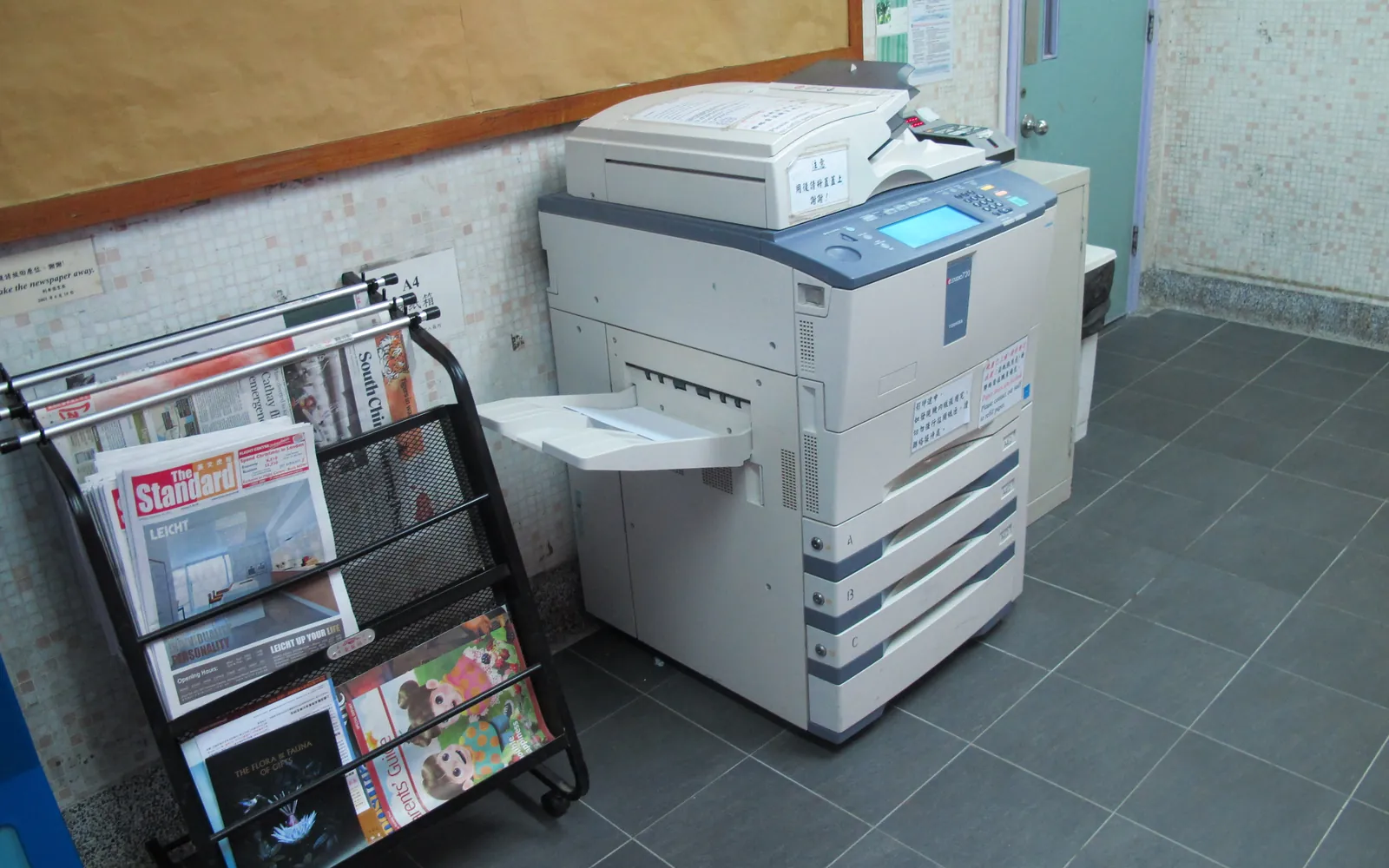
The A3 vs A4 printer question comes up whenever a small business replaces a copier. Dealers often propose a floor-standing A3 multifunction printer (MFP) because that is what copiers used to be. Many offices, however, never print anything larger than A4 or US Letter. This guide explains what each format means, how the machines differ beyond paper size, and how to decide which one your business needs.
The sizes in plain terms
Paper sizes in most of the world follow ISO 216. An A4 sheet is 210 x 297 mm. An A3 sheet is 297 x 420 mm, exactly two A4 sheets side by side. In North America the closest equivalents are US Letter (8.5 x 11 inches) and Legal (8.5 x 14 inches) for A4-class devices, and Tabloid or Ledger (11 x 17 inches) for A3-class devices.
So an “A4 printer” handles up to A4 or Letter/Legal, and an “A3 printer” handles everything up to A3 or 11 x 17, including A4.
How the machines differ beyond paper size
Paper size is the headline, but the two classes of device often differ in other ways that affect cost and daily use.
| Typical A4 MFP | Typical A3 MFP | |
|---|---|---|
| Form | Desktop or small floor unit | Floor-standing copier-class unit |
| Paper capacity | One or two trays, add-ons available | Several trays, large-capacity options |
| Finishing | Usually stacking only; some staple | Wider options: stapling, hole punch, booklet |
| How it is acquired | Often bought outright | Often leased with a service contract |
| Service | Customer replaceable supplies, carry-in or on-site repair | Dealer on-site service, often cost-per-click |
| Space | Fits on a cabinet or small floor area | Needs a floor footprint and clearance |
These are typical patterns, not rules. Some A4 MFPs are fast, high-capacity floor units, and some small A3 printers exist for occasional large-format work. Check the specification of the actual models you are quoted.
When A3 is worth it
A3 makes sense when larger paper is a regular part of the work, not an occasional request. Common examples:
- Architects, engineers, surveyors and builders printing drawings and plans at A3 for site use.
- Accountants and finance teams printing wide spreadsheets and reports where A4 makes figures too small.
- Schools, churches and clubs producing folded A4 booklets from A3 sheets.
- Marketing and estate agents producing A3 posters or brochures in house.
- Any office that scans A3 originals, such as large-format forms or plans. An A3 scanner glass is needed for these, not just A3 printing.
If you also need stapling, hole punching or booklet finishing at volume, A3 copier-class machines more often offer these as options.
When A4 is enough
For most small offices, A4 is enough:
- Everyday printing is letters, invoices, contracts, forms and reports.
- Large-format jobs happen a few times a month or less.
- The office has limited space or no dealer support nearby.
- You prefer to buy outright rather than lease.
Modern A4 MFPs can match A3 machines on security features, scanning workflows and connectivity for normal office pages. Our multifunction printer guide lists the features to check on any MFP.
A simple test before you decide
- Count large-format pages. If your current copier has A3 in its usage report, note the monthly count. If it does not report by size, ask staff to log A3 jobs for a month.
- List who needs A3 and why. Separate “nice to have” from work that genuinely needs the size.
- Check scanning. Do you receive A3 originals that must be scanned in one pass?
- Price the alternatives. Compare an A3 MFP with an A4 MFP plus outside printing for the A3 volume, or an A4 MFP plus one small A3-capable printer. Use your own quotes.
- Compare total cost. Over the same term, include purchase or lease, service, supplies and space. Our total cost of ownership template has the layout.
Cost points to check in quotes
- Cost per page for A3. Some service contracts count an A3 page as two A4 clicks. Ask how A3 output is charged.
- Minimum volumes. A3 copier contracts often include a minimum monthly volume. If your volume is low, you pay for pages you do not print.
- Finishing options. Stapling and booklet finishers have their own supplies and service.
- Energy. Compare published ENERGY STAR typical electricity consumption figures; larger machines can use more power. See office printer energy use.
- End of term. Leased A3 machines usually have internal storage that must be wiped when returned. See copier hard drive data security.
For the leasing side, our lease vs buy guide explains the clauses to watch.
Mixed fleets
Many small offices end up with a sensible mix: one A3 MFP in a central location for large-format and finishing work, and A4 MFPs or printers nearer to teams for daily printing. If you go this way, make sure the A3 device is not used for all the everyday printing just because it is the “main copier”, or you pay A3-class rates for A4 work. A short print policy can route jobs sensibly.
Buying an A3 device second-hand or on a click contract
A3 multifunction copiers are common on the used market because many come back from three to five year leases. If you need A3 only occasionally, a refurbished copier with a documented meter count and parts history can be a sensible way to get it. Check the counter report, which parts were replaced and whether the model still receives firmware updates.
If the A3 device comes with a service contract, find out how large pages are counted. Many cost-per-click agreements bill an A3 sheet as two clicks, and a two-sided A3 sheet as four. Our guide to copier cost per click shows how to build that into a monthly comparison, so the A3 decision is made on your real page mix rather than the headline rate.
If booklets or stapled sets are a reason for considering A3, our guide to copier finisher options explains which finishers need an A3-class machine.
Summary
Choose A3 if you print, copy or scan larger than A4 often enough to justify a bigger machine and contract. Otherwise, an A4 MFP sized to your volume is usually cheaper, smaller and easier to manage, with large-format jobs sent out when they arise. Start with the office printer buying guide for the rest of the decision.
Frequently asked questions
What is the difference between A3 and A4 printers?
The maximum paper size. An A4 printer handles sheets up to A4 (210 x 297 mm) or the US Letter and Legal sizes. An A3 printer also handles A3 (297 x 420 mm), which is twice the area of A4, or the similar US 11 x 17 inch tabloid size.
Do I need an A3 printer for my office?
Only if you regularly print, copy or scan documents larger than A4, such as drawings, plans, spreadsheets printed large, posters or booklets folded from A3. If you need A3 a few times a month, an A4 MFP plus an outside print service is usually simpler.
Are A3 printers more expensive to run?
Not necessarily per A4 page. A3 copier-class MFPs often have large, high-yield toners and long-life parts. They do usually cost more to buy or lease, take more floor space and come with service contracts, so compare total cost with your actual volume.
Can an A3 printer print A4?
Yes. A3 machines print A4 as their normal size, usually from several paper trays, and use A3 only when the job calls for it.
What is SRA3?
SRA3 is a slightly larger sheet than A3, used so that printed pages can have colour running to the edge and then be trimmed. Some A3 production and office devices accept SRA3; check the specification if you need full-bleed output.
Sources
Printer.business Editorial Team
Editorial team
The Printer.business editorial team writes independent guides on choosing, costing and managing office printers, using primary sources such as ISO/IEC standards, ENERGY STAR, NIST and the UK NCSC.


