Buying guides
Laser vs Inkjet Office Printer: Which Suits Your Business?
Written by Printer.business Editorial Team · Updated
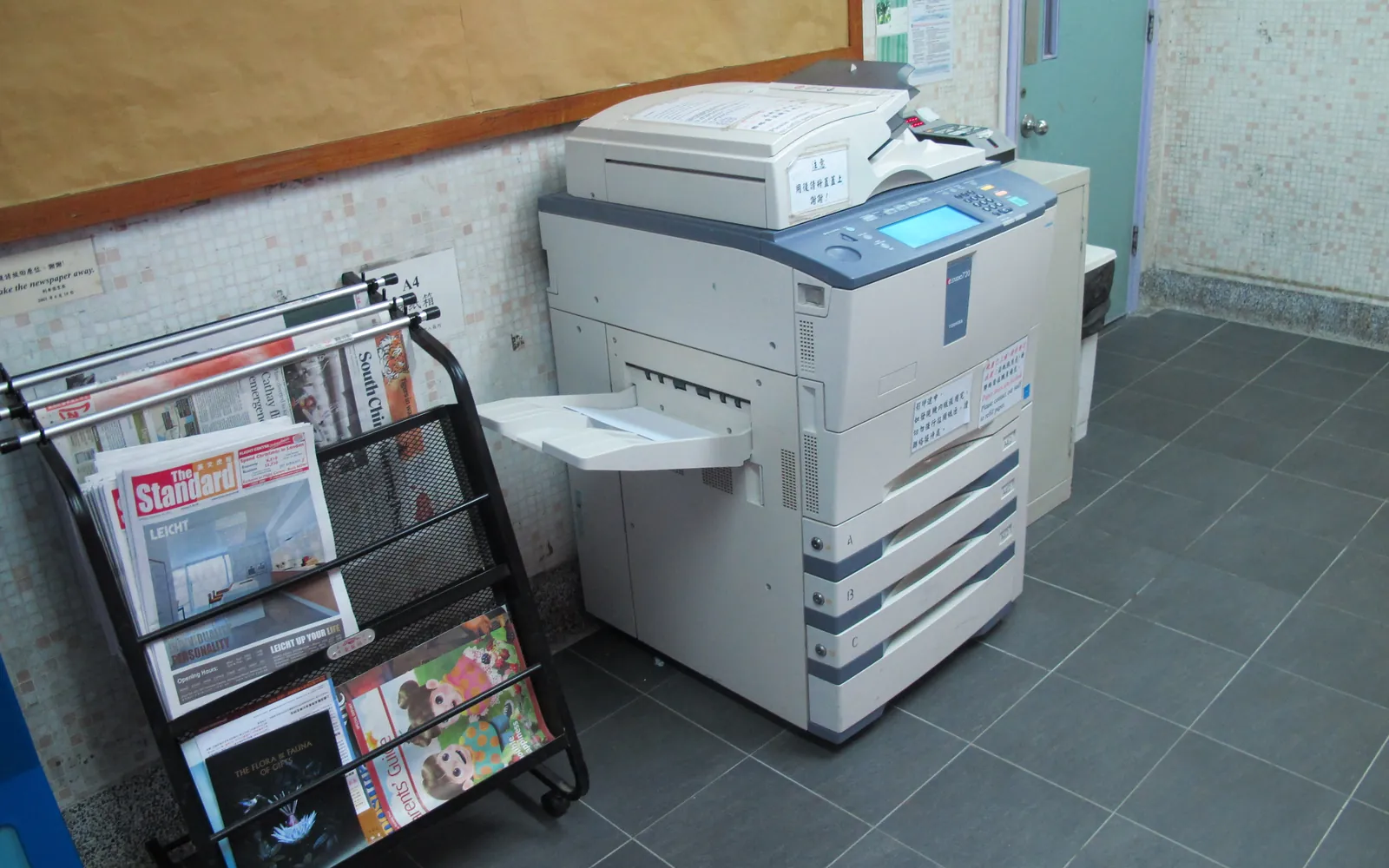
The laser vs inkjet office printer question used to have an easy answer: laser for the office, inkjet for home. Business inkjets with high-yield and refillable ink systems have blurred that line, so it is worth understanding how each technology works and where it fits before you commit to one for the next five years.
How each technology works
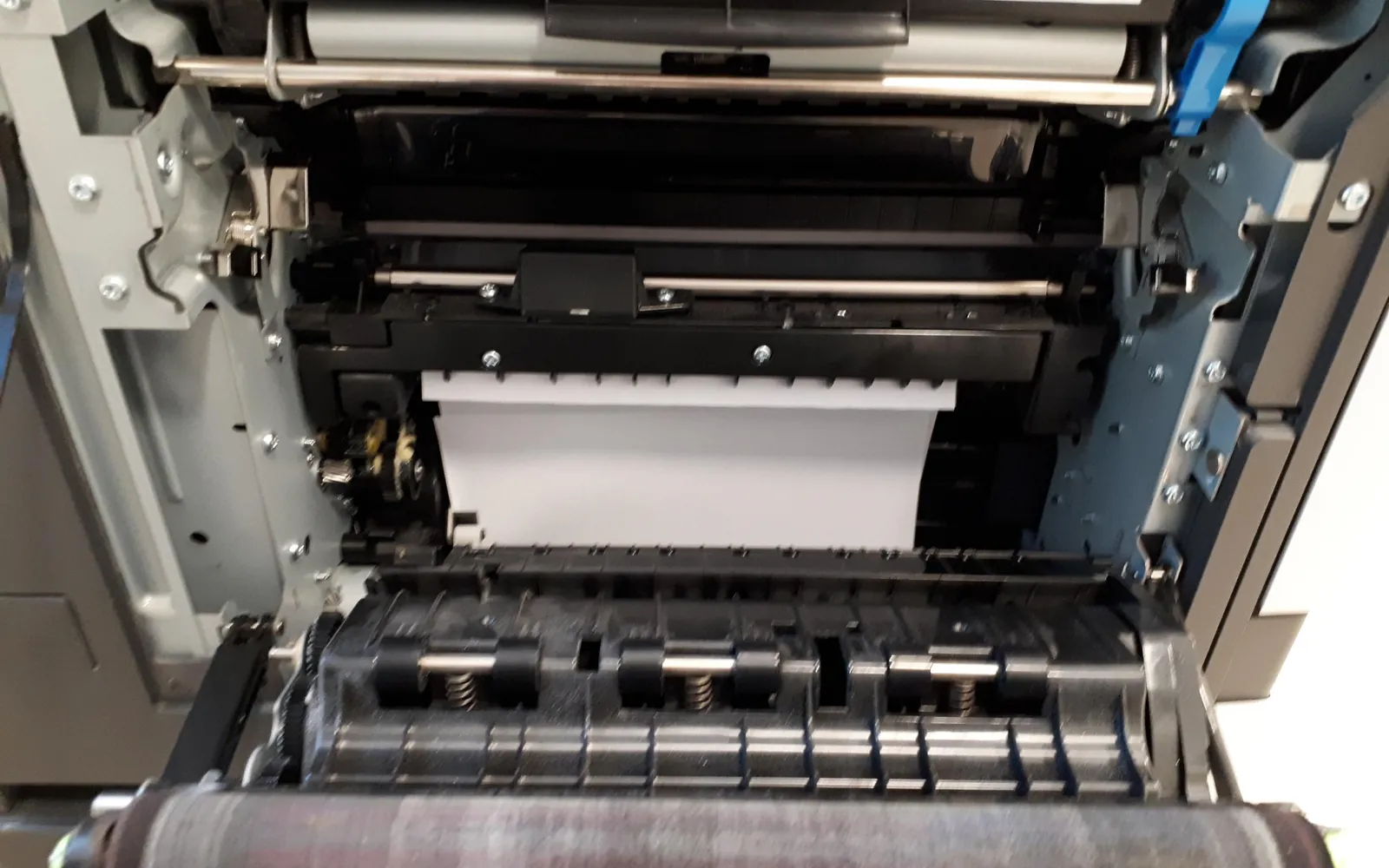
Laser printers use a laser (or a row of LEDs) to draw an image of the page as an electrical charge on a rotating drum. Fine powdered toner sticks to the charged areas, transfers to the paper and is melted onto it by a heated fuser. Because the page is built in one pass, lasers are fast and produce very sharp text.
Inkjet printers move a print head across the page and spray tiny droplets of liquid ink. Thermal heads heat the ink to form a bubble that pushes out a droplet; piezo heads use a crystal that flexes. Inkjets are good at smooth colour and photos and can print on a wide range of media within their specifications.
Our old home page on this site explained inkjet basics for home users. This version keeps the useful parts and focuses on what matters in an office.
Side-by-side comparison
| What you care about | Laser | Business inkjet |
|---|---|---|
| Black text in volume | Strong; usually lowest cost per page in mono | Good on business models; check yields |
| Colour documents | Colour lasers are fast and crisp on plain paper | Often richer colour; can be competitive per page |
| Photos | Adequate for office use | Better, especially on suitable paper |
| Infrequent use | Toner keeps; no head clogging | Heads may need cleaning after idle periods |
| Consumables | Toner; many models also have drums, fusers and transfer belts | Ink cartridges or tanks, print heads on some models, maintenance box |
| First page out | Fast on modern models with quick-warm fusers | Fast, no fuser to heat |
| Power draw | Fuser draws more power while printing | Generally lower power while printing |
Which suits which office?
Choose a mono laser or laser MFP if most of what you print is black text: invoices, contracts, reports, shipping documents. They tolerate daily volume well, toner does not dry out between busy and quiet weeks, and the cost per page for black text is usually the lowest available. A multifunction model adds scanning and copying.
Choose a colour laser if you need colour regularly on plain paper, such as marketing handouts or charts, and you also print a lot of text. Watch the cost per colour page; it can be several times the mono cost.
Consider a business inkjet if your volume is moderate, colour is a large share of output, and the printer will be used most days. High-yield cartridges and refillable tank systems can bring colour costs down. Check the recommended monthly volume carefully, as explained in our guide to printer duty cycle.
Running costs: do the maths
Do not rely on the label “economical”. Calculate cost per page from replacement consumables:
- Find the price and ISO-rated yield of each replacement cartridge or bottle. Mono toner yields follow ISO/IEC 19752, colour toner ISO/IEC 19798, inkjet ISO/IEC 24711.
- Divide price by yield for each colour.
- For a laser, add the per-page share of drums, fusers or other replaceable parts if the manufacturer lists them.
- Add paper.
The full method, with a worked example, is in our printer cost per page comparison, and the toner costs guide covers high-yield, compatible and remanufactured toner.
Things that catch offices out
- Starter cartridges: many new printers ship with reduced-capacity cartridges. Budget for replacements early.
- Idle inkjets: an inkjet in a little-used meeting room may spend more ink on cleaning than on pages.
- Colour creep: if colour is set as the default, people print emails in colour. A simple print policy with mono as default fixes this.
- Media limits: check the supported paper weights and types for labels, envelopes or card before you buy.
Old questions from our inkjet pages, answered for offices
How do I know if a printer is inkjet or laser? Check the specification sheet or the consumables: toner cartridges and drums mean laser; ink cartridges or tanks mean inkjet.
What is a continuous inkjet printer? It is an industrial device that fires a constant stream of ink droplets, used for coding and marking on production lines. It is not an office printer.
Should we refill cartridges? Refill kits and third-party cartridges can cut costs, but quality and reliability vary. Test with a small order first and keep an eye on warranty terms in your country.
How do we clean an inkjet print head? Use the printer’s built-in cleaning routine first. Manual cleaning should follow the manufacturer’s manual for that model.
The bottom line
For text-heavy offices, laser is still the safe default. For colour-heavy, moderate-volume offices that print most days, a business inkjet deserves a place on the shortlist. Whatever you choose, compare total cost over the printer’s life, as described in our guide to the best office printer for small business.
Energy and colour, side by side
Laser devices heat a fuser, so they usually draw more power while printing; business inkjets generally do not. Idle and sleep behaviour matter just as much, so compare published ENERGY STAR figures rather than assuming, as described in office printer energy use. The other big running-cost lever is colour. Whichever technology you choose, decide first whether you need colour at all; our color vs black and white office printer guide shows how to test it with your own page counts.
Frequently asked questions
Is a laser or inkjet printer cheaper to run for an office?
For black text in volume, a mono laser is usually cheaper per page. For colour, the answer depends on the specific consumables: calculate cost per page from the current price and rated yield of each replacement cartridge or ink bottle.
What is the difference between a laser and an inkjet printer?
A laser printer uses a laser or LED to draw the page as an electrical charge on a drum, attracts powdered toner to it and fuses the toner to paper with heat. An inkjet printer sprays droplets of liquid ink from a print head directly onto the paper.
What is a thermal inkjet printer?
Thermal inkjet heads heat a tiny amount of ink to form a bubble that pushes a droplet out of the nozzle. Piezo heads use a crystal that flexes to push ink out instead. Both are used in office inkjets.
Do inkjet printers dry out if not used?
Inkjet heads can clog if a printer sits unused for long periods, and cleaning cycles consume ink. Printing a page or two each week, or leaving the printer powered so it can run its own maintenance, usually helps. Toner does not dry out.
How should we dispose of empty cartridges?
Use a manufacturer or retailer take-back scheme, or a local recycler that accepts cartridges and electronics. Rules differ by country; in the EU, printers themselves fall under the WEEE rules for electrical waste.
Sources
Printer.business Editorial Team
Editorial team
The Printer.business editorial team writes independent guides on choosing, costing and managing office printers, using primary sources such as ISO/IEC standards, ENERGY STAR, NIST and the UK NCSC.