Running costs
Office Printer Paper: Weights, Sizes and Buying in Bulk
Written by Printer.business Editorial Team · Updated
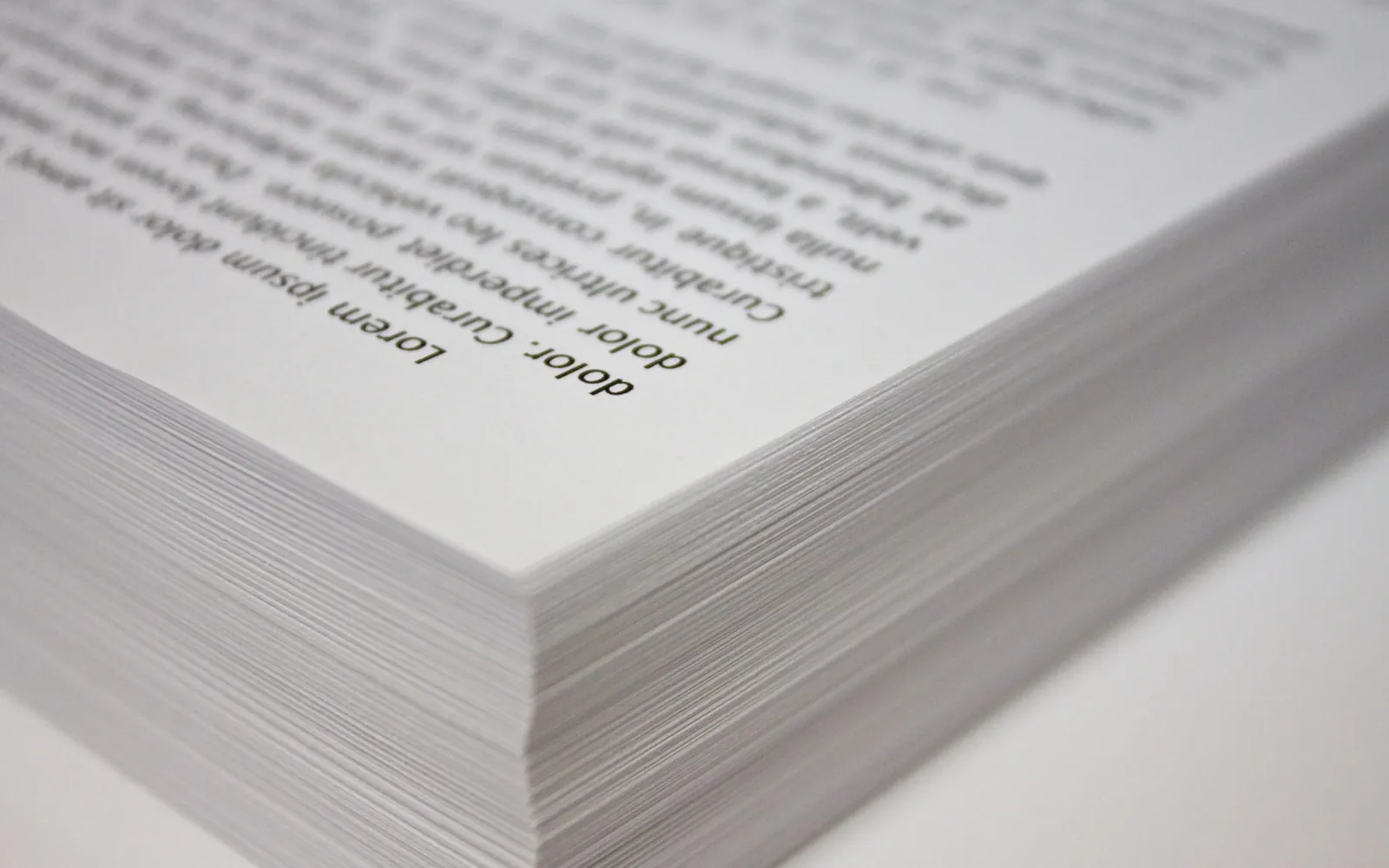
Office printer paper is the cheapest part of printing per sheet, yet it causes a surprising share of daily problems: jams, curled output, poor duplex results and staples that will not go through. Choosing one sensible standard paper, storing it properly and buying it in the right quantities solves most of these. This guide explains paper weights, sizes, recycled and certified options, storage and bulk buying for a small business. It does not quote prices, which vary by country and supplier; use it to decide what to ask for.
Paper weight: gsm and pounds
Paper weight is expressed in two ways:
- Grams per square metre (g/m2, often written gsm), used in Europe and most countries that use ISO paper sizes.
- Basis weight in pounds (lb), used in the US, based on the weight of a ream of paper at a reference size. Copy paper is usually labelled as “bond” weight.
Typical office paper is 80 g/m2, and printing paper generally runs from about 60 to 120 g/m2. Heavier stock, from around 160 g/m2, is usually treated as card. In US terms, 20 lb bond is about 75 g/m2 and 24 lb bond about 90 g/m2.
Which weight for which job
| Use | Typical weight | Notes |
|---|---|---|
| Internal printing, drafts | 75-80 g/m2 (20 lb) | Cheapest, works in almost every printer |
| Double-sided reports | 80-90 g/m2 | Less show-through from the reverse side |
| Client letters, proposals | 90-120 g/m2 | Feels more substantial; check printer and finisher limits |
| Covers, certificates | 160 g/m2 and above | Often needs the bypass tray; check the printer’s spec |
Two practical points are often missed. First, heavier paper can reduce how many sheets a copier finisher will staple or fold. Second, some printers slow down for heavy media, so a heavier everyday paper can make busy printers feel slower.
Paper size: A4 or Letter
Most of the world uses ISO 216 sizes, with A4 (210 x 297 mm) as the standard office sheet and A3 for larger documents. The US and Canada mainly use Letter (8.5 x 11 inches), plus Legal and Tabloid. The two everyday sizes are close but not the same, which matters when:
- documents arrive from overseas clients and print with odd margins or scaling;
- you buy a printer from another region, where default tray settings may differ;
- you order paper online and the cheapest listing is the “other” size.
Set each tray’s size correctly in the printer and in the driver. Many “paper mismatch” messages come from a tray loaded with one size but configured for another. If you are deciding whether you need larger sheets at all, see our A3 vs A4 office printer guide.
Recycled and certified paper
Recycled copy paper made for laser and inkjet printers works well in most office devices today. Quality varies between brands and grades, as it does with virgin-fibre paper, so judge a specific product rather than the category.
Certification schemes, such as the Forest Stewardship Council (FSC), label paper from forests managed to their standards and track it through the supply chain. If your organisation has environmental purchasing commitments, ask suppliers which certifications a paper carries and keep the evidence with your purchasing records.
The bigger environmental and cost win is usually printing less. Our guide to a paperless office lists which documents most offices can stop printing, and duplex printing roughly halves the sheets used for long documents.
Paper quality and jams
Many reported printer faults turn out to be paper problems. Signs that paper is the cause include:
- jams that happen mostly with one paper delivery or one tray;
- curled output, especially after duplex printing;
- dust building up near the paper path faster than usual;
- multiple sheets feeding together.
Before calling for service, try a fresh ream from a different box, fan the stack before loading, and check that the tray guides touch the paper without squeezing it. If the problem moves with the paper, the paper is the issue. Record what you find in your maintenance checklist so patterns show up.
Storing paper properly
Paper absorbs and loses moisture from the air. Damp paper curls and jams; very dry paper can build up static and feed double. Simple storage rules help:
- keep reams wrapped until they go into the printer;
- store boxes flat on shelves, not directly on the floor or against outside walls;
- keep stock away from heaters, air conditioning outlets and direct sunlight;
- use older stock first;
- do not leave large amounts of paper sitting in open trays for weeks in a damp room.
Buying paper in bulk
Buying by the box or pallet can lower the cost per ream, but only if you have dry, safe storage and use the stock in a reasonable time. To set sensible order quantities:
- Find your monthly sheet usage from printer counters or your print audit.
- Convert to reams (a ream is normally 500 sheets) and boxes.
- Decide how many weeks of stock you can store properly.
- Set a reorder point that leaves time for delivery.
Standardise on one everyday paper across the office. It simplifies ordering, avoids trays loaded with the wrong grade, and makes jams easier to diagnose. Paper is a real line in your office printing budget, so include it alongside toner and service.
Check your contracts too. Managed print and cost per click agreements usually exclude paper, but some suppliers sell paper alongside the contract. Compare that price with your usual supplier rather than assuming it is convenient and cheap.
Special papers
Some jobs need special media: label sheets, envelopes, coated paper for colour brochures, or security paper for cheques. Each has its own rules:
- use labels and envelopes made for your printer technology (laser or inkjet);
- feed special media through the tray the manufacturer recommends, often the bypass tray;
- for cheque printing, follow the bank’s and your MICR supplier’s specifications, covered in our MICR check printing guide.
Letterhead and envelopes
Pre-printed letterhead is less common than it used to be, because most offices now print the logo and address with the letter itself. If you do use pre-printed stock, make sure the ink used by the print shop is suitable for laser printers, as some inks can smear or mark the printer’s fuser. Load letterhead the right way round for single and double-sided printing, and label the tray so nobody fills it with plain paper.
Envelopes printed in an office printer should be the type the printer supports, usually fed through the bypass or a dedicated envelope tray. For large mailings, compare in-house printing with a mailing service, using our guide to outsource printing vs in-house.
Summary
Pick one everyday office printer paper, usually around 75-80 g/m2 in your regional size, and add a heavier grade only for client-facing work. Test new paper before switching, store it flat and wrapped, and buy in quantities you can store well. These small habits prevent many jams and keep printing costs predictable.
Frequently asked questions
What paper weight is best for an office printer?
For everyday printing, around 75-80 g/m2 paper (about 20 lb bond in the US) is standard and works in almost every office printer. Heavier paper of 90-100 g/m2 feels more substantial for client letters and reduces show-through in double-sided printing.
Is 80 gsm the same as 20 lb paper?
Not exactly. 20 lb bond is about 75 g/m2, while 24 lb bond is about 90 g/m2. 80 g/m2 sits between them. In practice, standard US copy paper and standard European copy paper are both everyday office grades.
Does recycled paper damage printers?
Good-quality recycled copy paper made for laser and inkjet printers works in most office devices. Very cheap or dusty paper of any kind can increase jams and cleaning needs, so test a ream in your busiest printer before you switch.
How should we store printer paper?
Keep reams in their wrapping until use, store them flat on a shelf rather than on the floor, and keep them away from damp walls, heaters and direct sunlight. Paper that has absorbed moisture tends to curl and jam.
Can we use the same paper in laser and inkjet printers?
Most multipurpose copy paper is labelled for both. Photo and coated papers are specific to one technology, and inkjet photo paper should not go through a laser printer, where the fuser heat can damage it.
Sources
Printer.business Editorial Team
Editorial team
The Printer.business editorial team writes independent guides on choosing, costing and managing office printers, using primary sources such as ISO/IEC standards, ENERGY STAR, NIST and the UK NCSC.