Running costs
Print Cost Allocation by Department: Simple Chargeback
Written by Printer.business Editorial Team · Updated
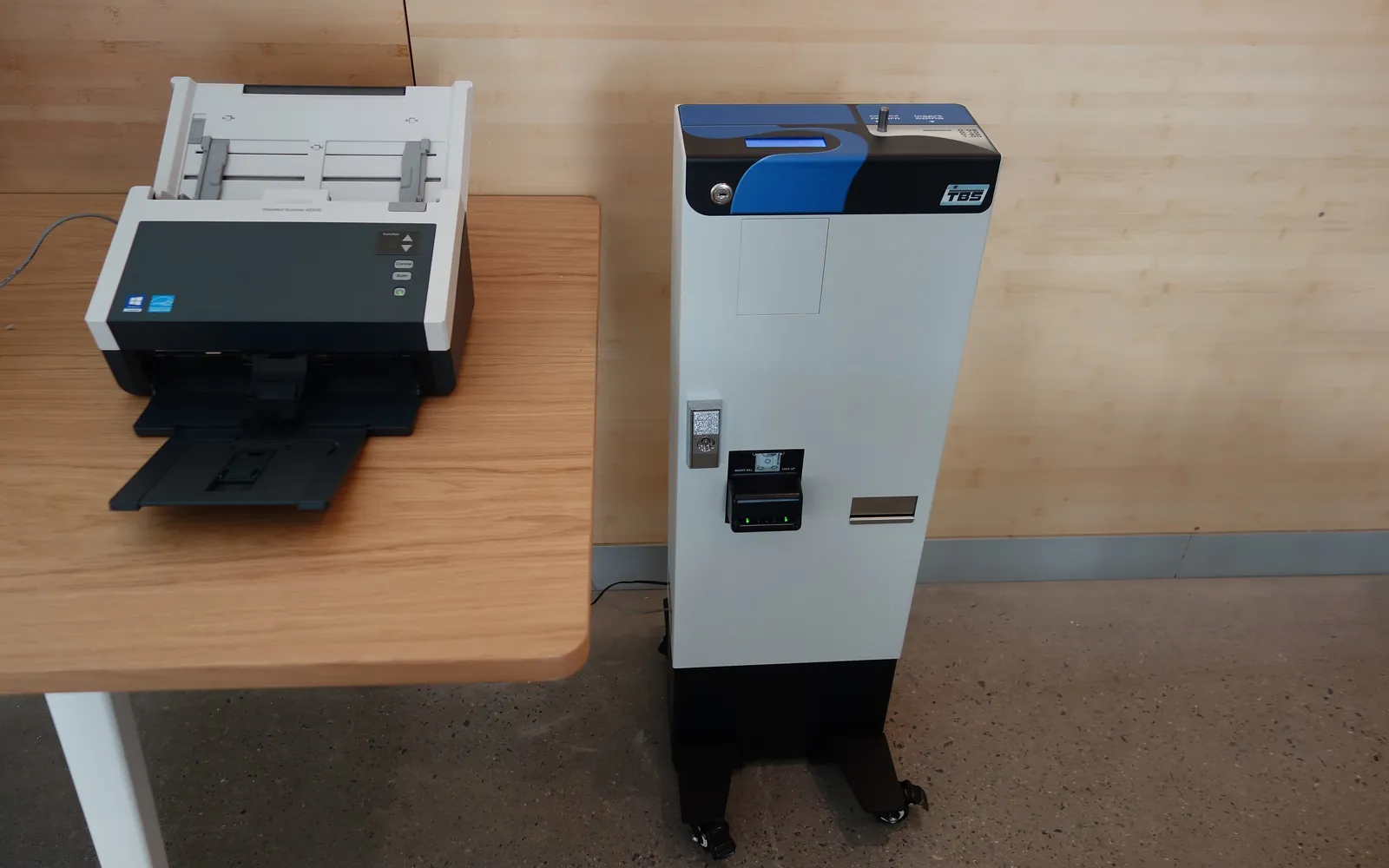
Print cost allocation means sharing printing costs between departments, projects or clients instead of keeping them in one central overhead line. When printing is “free” to the people doing it, nobody notices that one team prints most of the colour pages or that a single report run costs more than its paper. Allocating the cost, even roughly, makes usage visible. This guide covers the methods, the data you need, and how to keep it simple enough to be worth doing.
Why allocate printing costs at all
- Visibility: departments see what they print and what it costs.
- Behaviour: teams that see their colour pages often reduce them without a rule being imposed.
- Fairness: a team that prints heavily for a client project carries that cost, not the whole office.
- Client recharges: some professional firms recharge printing on large matters or projects.
In a very small office with one printer, allocation is rarely worth the effort. It becomes useful once several teams share several devices.
Step 1: find a full cost per page
Charging departments only for toner understates the real cost. Build a full cost per page from your office printing budget:
- device lease or depreciation;
- service and click charges;
- toner and other supplies;
- paper;
- print management software.
Divide the yearly cost of each by the yearly page count, separately for mono and colour where possible. For owned printers, supplies cost per page comes from cartridge price and rated yield (ISO/IEC 19752 for mono laser toner); see the printer cost per page comparison. For contracted devices, start from the click rates in copier cost per click explained and add the lease and paper.
You will end with two rates, for example a mono rate and a colour rate per page. Recalculate them once a year or when contracts change.
Step 2: choose a method
| Method | How it works | Needs | Best for |
|---|---|---|---|
| Headcount split | Total cost divided by staff numbers per department | Headcount only | Very small offices, as a starting point |
| Device-based | Each department pays for the devices it uses | Meter readings | Departments with their own printers |
| Account codes | Users enter a department or project code at the device or driver | Device or driver support | Shared devices, project recharges |
| User-based | Print management software records each user’s pages; users map to departments | Print management software | Larger offices, colour control, client billing |
A headcount split gives no incentive to print less, so treat it as temporary. Device-based allocation is accurate when devices are not shared. For shared devices, you need codes or user tracking.
Step 3: set up the data
- Device-based: list each device, the department it serves, and take meter readings monthly.
- Account codes: enable department or account codes on each multifunction device and in drivers. Keep the code list short and current.
- User-based: connect print management software to your user directory and map users to departments. If you already use secure print release or cloud print management, user and department data are usually available already.
Remember scans and copies. Copies cost the same as prints; scans usually have no click cost but may matter for workload.
Step 4: report simply
Each month, send each department head a short report:
- mono and colour pages;
- cost at the agreed rates;
- change since last month and same month last year;
- top three devices used.
Keep the report short. The goal is awareness, not an argument about pennies. Use the same figures in your office print audit.
Step 5: agree rules, then quotas if needed
Before quotas, agree defaults with department heads: mono and duplex by default, colour only for named roles, and release at the device. Many offices find that defaults and visibility do most of the work.
If you introduce quotas:
- set them from measured use, with headroom for peaks;
- give a simple way to request more;
- review them after three months.
Put the rules into your office print policy.
Charging printing to clients
If you recharge printing to clients, use project or client codes at print time so the data exists, state the basis and rate in your engagement terms, and review what your contracts and any professional rules allow. Law and accounting firms have particular expectations; see printer for a law firm.
Privacy points
User-level print logs often contain names and document titles. In the UK and EU these are personal data, and data protection principles such as data minimisation and storage limitation apply. Report to departments in aggregate where possible, limit who can see per-user detail, and set a retention period for logs. Our GDPR and office printers guide covers this in more detail.
A worked example (illustrative figures)
Suppose an office works out a full cost of 2 units per black page and 9 units per colour page, using its own budget and contract figures. Sales printed 3,000 black and 1,200 colour pages in a month; Finance printed 5,000 black and 100 colour pages. Sales is allocated 6,000 + 10,800 = 16,800 units and Finance 10,000 + 900 = 10,900 units. Finance printed more pages, yet Sales costs more because of colour. That one comparison often does more to change habits than any rule. The figures here are only for illustration; use your own rates.
Keep a short note of how the rates were calculated so that department heads can check them, and so the next person who runs the report uses the same method.
Common mistakes
- Charging toner only, which makes printing look cheaper than it is.
- Monthly reports so detailed nobody reads them.
- Codes that are optional, so most jobs go to “unassigned”.
- Quotas without a way to request more.
- Forgetting to update rates when a lease or click contract changes.
Summary
Print cost allocation works when it uses a full cost per page, a method that matches how devices are shared, simple monthly reports and agreed defaults. Start with device-based or account-code allocation, move to user-based tracking if you need colour control or client billing, and handle print logs as personal data.
Frequently asked questions
How do you allocate printing costs to departments?
Work out a full cost per mono and colour page, then multiply by each department's page counts. Page counts can come from devices assigned to one department, from print management software that records user and department, or from department codes entered at the device.
Do I need print management software for chargeback?
Not always. If each department has its own device, meter readings are enough. For shared devices, you need user-level tracking, which usually means print management software or the device's own account codes.
Should printing be charged back to clients?
Some professional firms recharge printing on large matters or projects. If you do, use client or project codes at print time and state the basis in your terms. Check what your contracts and professional rules allow.
Do print quotas work?
They can reduce casual printing, especially colour, when they are set from measured use and paired with a way to request more. Quotas set too low lead to workarounds and frustration.
Sources
Printer.business Editorial Team
Editorial team
The Printer.business editorial team writes independent guides on choosing, costing and managing office printers, using primary sources such as ISO/IEC standards, ENERGY STAR, NIST and the UK NCSC.