Buying guides
Copier Finisher Options: Stapling, Punching and Booklets
Written by Printer.business Editorial Team · Updated
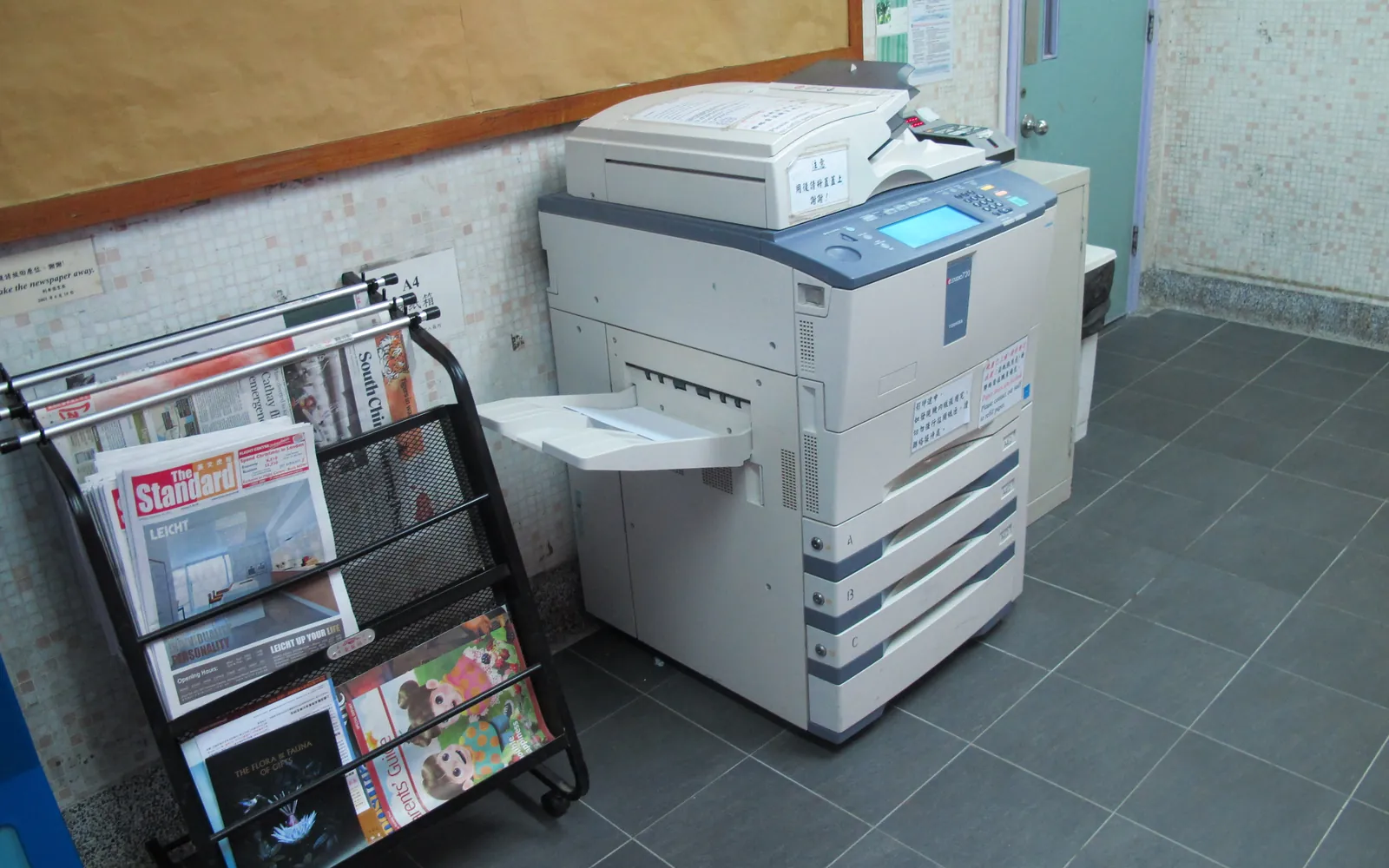
Copier finisher options decide what happens to pages after they leave the printer: whether they arrive as a loose pile or as stapled, punched, folded sets and booklets ready to hand out. For an office that produces reports, client packs or training material, the right finisher saves hours of manual work. For an office that rarely staples more than a few pages, it is an expensive extra that takes up floor space. This guide explains the main finisher types, the options inside them and how to decide what your office needs.
What a finisher does
A finisher is a unit attached to a copier or multifunction printer (MFP) that processes printed sheets automatically. The common functions are:
- Offset sorting: each copy set is shifted slightly in the output tray so sets do not get mixed up.
- Stapling: one or two staples in a corner or along the edge.
- Hole punching: two, three or four holes for binders and ring files.
- Folding: half fold, letter (tri) fold or Z-fold, mainly for mailings and leaflets.
- Booklet making (saddle stitching): sheets are folded in the middle and stapled along the fold to make a booklet.
The driver controls all of this. When a user ticks “staple” or “booklet” in the print dialog, the copier’s driver tells the finisher what to do. That is one reason to check driver support if you use a universal print driver: some finishing options only appear in the model-specific driver or need the device’s options to be set correctly in the driver properties.
Inner finishers vs floor-standing finishers
Most office copiers offer two broad finisher styles.
Inner finisher
An inner (internal) finisher sits within the copier’s output area. It adds little or no width to the machine, which matters in small rooms. Typical abilities are offset sorting, corner and edge stapling, and on some models an optional punch unit. Staple capacity per set is lower than a floor unit, and booklet making is usually not available.
An inner finisher suits an office that staples short reports and handouts regularly but does not produce booklets.
Floor-standing finisher
A floor finisher attaches to the side of the copier and stands on the floor. It holds more finished output, staples larger sets, often offers more staple positions, and is the usual base for booklet units and folding units. The trade-off is space: a floor finisher can make the copier noticeably wider, and it needs clearance for staff to open doors and clear jams.
If you are choosing between an A3 and an A4 office printer, note that floor finishers and booklet makers are mostly offered on A3-capable copiers. A4-only MFPs tend to have simpler stapling options, if any.
Stapling: what to check
Stapling looks simple, but the details matter:
- Maximum sheets per staple at your normal paper weight. Capacity usually drops with heavier paper, so check the figure for the paper you actually use.
- Staple positions: front corner, rear corner, two staples along the edge. Legal and accounting documents often have a house style.
- Staple cartridge cost and availability: these are a consumable like toner. Ask whether they are included in a cost per click contract or billed separately.
- Staple-free stapling: some finishers can crimp a small number of sheets together without metal staples. It is useful for short sets that may be shredded or recycled, but holds fewer pages.
Hole punching
A punch unit sits inside the finisher and punches sheets as they pass. Punch patterns vary by region: two-hole and four-hole patterns are common with ISO paper sizes such as A4, and three-hole punching is common with US Letter paper. Make sure the punch unit matches the binders your office already uses. Some units can switch between two patterns; many cannot.
Punch units create paper chips that collect in a waste box. Someone has to empty it, and a full box stops the job. Add it to your office printer maintenance checklist so it does not become a mystery fault.
Booklet makers
A booklet unit folds sheets in half and staples along the fold, a method known in binding as saddle stitching. It produces programmes, newsletters, price lists and training booklets without manual folding. Points to check:
- Maximum sheets per booklet: every sheet makes four pages, so a 10-sheet booklet has 40 pages. Check the limit at your paper weight.
- Cover stock: heavier cover paper may need a specific tray or may not be supported for folding.
- Trimming: thicker booklets push the inner pages outward (creep). Some booklet units can trim the edge; most office units cannot, which is usually acceptable for short booklets.
- Imposition: the driver must arrange pages in booklet order. Test this with your own documents, not only with the supplier’s demo file.
If you need booklets only a few times a year, compare the extra cost of a booklet unit with sending the job out. Our guide to outsourcing printing versus doing it in-house walks through that comparison.
Folding units
Folding units handle half folds, letter folds (also called tri-folds) and sometimes Z-folds. They are mainly useful for offices that send printed letters, statements or leaflets in volume. If folding happens once a month, a desktop folding machine or a print shop is usually cheaper than a folding unit on the copier.
Paper weight and size limits
Finishers have their own limits that are often narrower than the copier’s. A copier may print on heavy card, but the stapler, punch or booklet unit may only accept lighter stock. Check:
- the paper weight range for each finishing function;
- the paper sizes each function accepts (for example, booklet making may require A3 or Tabloid sheets to make A4 or Letter booklets);
- whether coated or glossy paper is supported.
Our guide to office printer paper explains paper weights and how they affect feeding and finishing.
Space, noise and service
A floor finisher changes where a copier can go. Measure the full width with the finisher attached, plus room to open the finisher doors and the copier’s front and side panels. Finishers also add some noise when stapling and folding, which is worth considering if the copier sits close to desks. Our office printer placement guide covers access, noise and ventilation in more detail.
Finishers contain moving parts that can jam or wear. When you compare quotes, ask:
- Is the finisher covered by the same service contract and response time as the copier?
- Are staple cartridges and punch waste handling included?
- Can staff clear common finisher jams themselves, and is there clear guidance for it?
- If the finisher fails, can the copier keep printing without finishing?
How to decide what you need
Start from what your office actually does, not from the option list:
- Count how many stapled, punched or folded sets staff produce in a typical week. An office print audit gives you that data.
- List the document types: client reports, internal handouts, statements, booklets.
- Decide which jobs must stay in-house for speed or confidentiality, and which could go to a print shop.
- Match the finisher to the regular jobs. Leave rare jobs to outsourcing or manual tools.
A common outcome for small offices is an inner finisher with stapling only, or no finisher at all. Offices that produce client packs or regular booklets, such as some law firms or organisations producing weekly newsletters, are the ones that benefit most from a floor finisher with a booklet unit.
Summary
Finishers are useful when finishing work is regular and repetitive. Choose the simplest finisher that covers your weekly jobs, check capacities at your real paper weight, confirm what the service contract includes, and measure the space before you order. For buying the copier itself, start with our office printer buying guide.
Frequently asked questions
What is a finisher on a copier?
A finisher is a unit attached to a copier or multifunction printer that processes pages after printing. Depending on the model it can sort and offset sets, staple, punch holes, fold sheets and make saddle-stitched booklets automatically.
What is the difference between an inner finisher and a floor finisher?
An inner finisher sits inside the output area of the copier and usually offers corner stapling and sometimes punching for modest set sizes. A floor-standing finisher attaches to the side, takes more space, holds more output and is usually needed for booklet making, folding and higher staple counts.
Can an office copier make booklets?
Yes, if it has a booklet finisher (sometimes called a saddle-stitch unit). It folds the sheets in the middle and staples along the fold. The driver also needs to impose the pages in booklet order, which most copier drivers can do.
Is a finisher worth it for a small office?
It is worth it when staff staple, punch or fold printed sets every week, for example reports, client packs or training handouts. If finishing is occasional, a good manual stapler and a print shop for booklets usually cost less.
Do finishers increase running costs?
They add staple cartridges, punch waste handling and extra parts that can need service. Ask the supplier whether finisher faults and staple supplies are covered by the service contract or charged separately.
Sources
Printer.business Editorial Team
Editorial team
The Printer.business editorial team writes independent guides on choosing, costing and managing office printers, using primary sources such as ISO/IEC standards, ENERGY STAR, NIST and the UK NCSC.