Buying guides
Printer for Real Estate Office: What Agents Really Need
Written by Printer.business Editorial Team · Updated
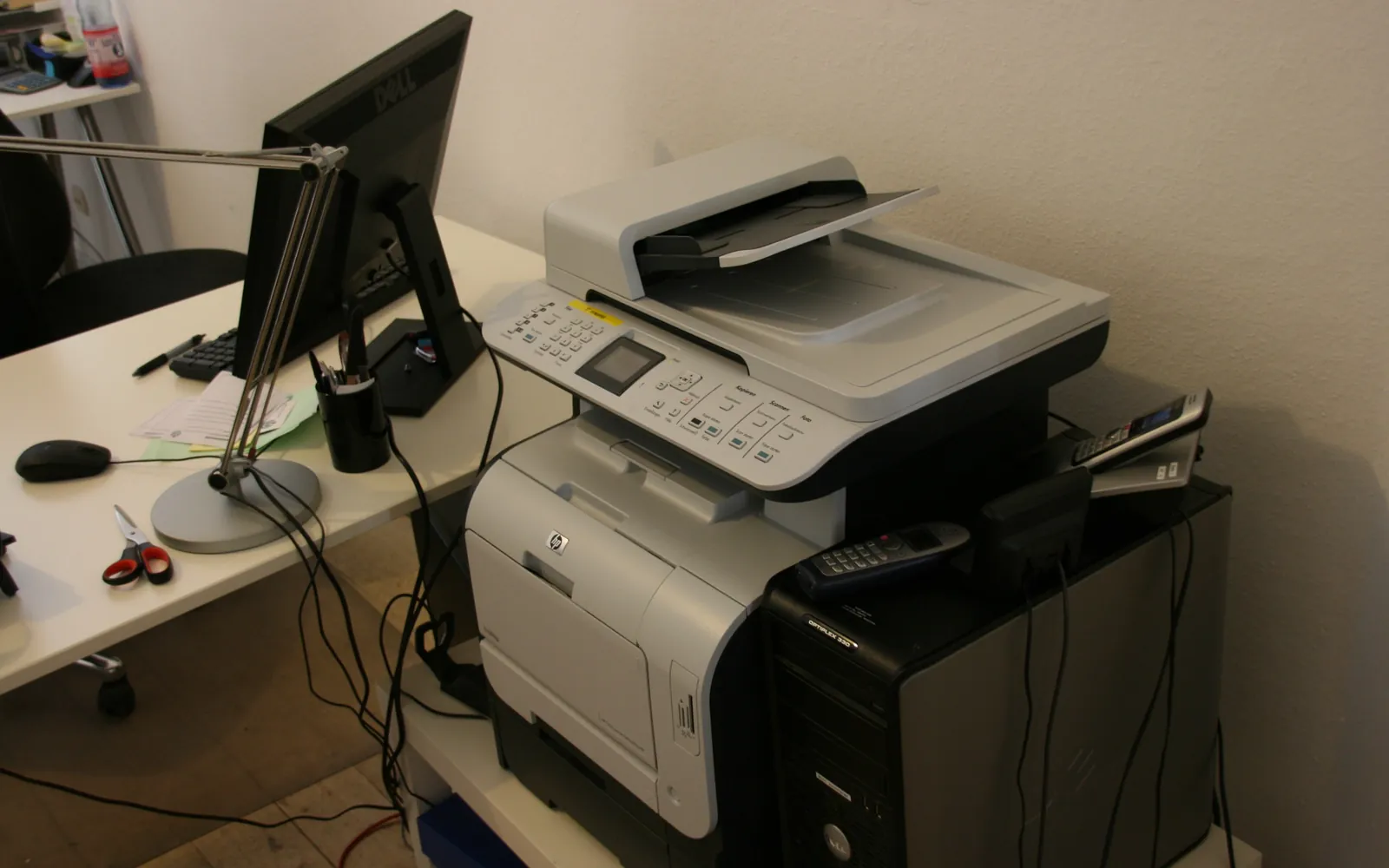
Choosing a printer for real estate office use is less about finding one “best” model and more about matching a device to the two jobs a brokerage does every week. One is marketing: listing sheets, open-house flyers, comparative market analysis packs and feature sheets, much of it in colour. The other is transaction paperwork: offers, agreements, disclosures and addenda, mostly black text, often scanned back in after signing. This guide explains how to size a printer for both, what to look for in scanning and security, and how to handle agents who spend most of the day out of the office.
What a real estate office actually prints
Before looking at models, write down what goes through your printer in a normal month. Printer counters, supply orders and a quick question to the team usually give a good enough picture. Typical categories:
- Colour marketing. Listing sheets, flyers, open-house handouts, neighbourhood guides and presentation packs for listing appointments.
- Black text paperwork. Purchase agreements, listing agreements, disclosure forms and addenda. Electronic signature has reduced this, but many offices still print copies for clients, files and meetings.
- Scans. Signed pages, ID copies where your process requires them, inspection and appraisal reports, and handwritten notes that need to reach the transaction file.
- Occasional large items. Floor plans and site maps, sometimes on tabloid or A3.
If colour marketing is a large share of the pages, the cost per colour page will drive your running costs. If it is mostly paperwork, a fast mono device does the bulk and colour becomes a smaller question. Our color vs black and white office printer guide shows how to test this with your own counts.
The usual answer: a colour multifunction printer
For most small and mid-sized brokerages, one colour multifunction printer per office or floor covers both jobs. Look for:
- Automatic duplex printing, so contracts and packs print double-sided by default.
- A duplex document feeder that scans both sides in one pass. Single-pass duplex scanning is quicker than feeders that flip each sheet, which matters when someone scans a long signed agreement.
- Paper handling that covers the sizes you use: letter and legal in North America, A4 elsewhere, plus tabloid or A3 if you print larger feature sheets or floor plans. Check whether you need an A3 or A4 printer before paying for the larger format.
- Media support for the paper you actually use for flyers. Many office devices handle light coated or heavier stock only from certain trays, so check the specification for the weight and type of your flyer paper.
- Network, mobile and secure release features, covered below.
Colour laser and business inkjet devices can both suit this role. Lasers are familiar and handle daily paperwork well; business inkjets can be competitive for colour at moderate volume. Our laser vs inkjet office printer comparison covers the trade-offs.
Marketing: in house or print shop?
Printing your own flyers is convenient: an agent can update a price or open-house time and print twenty copies in minutes. It is not always cheaper or better. Large runs, heavy gloss stock, folded brochures and anything that needs edge-to-edge colour on thick paper are often better ordered from a print shop, which has equipment for finishing and heavier media.
A practical split is to keep short runs and last-minute changes in house and send larger or premium jobs out. Price both with your real quantities and current supply costs rather than assuming. The method in outsource printing vs in-house applies directly.
Scanning and the transaction file
In a brokerage, scanning is often the more important half of the device. Signed documents need to reach the transaction file quickly, in a readable format and in the right place. Check that the printer can:
- Scan to searchable PDF, so documents can be found later.
- Send scans to the destinations your office uses: email, a shared folder, or a cloud service connected to your transaction management system. Our guides to scan to email setup and scan to folder explain the options.
- Use one-touch shortcuts or profiles, so agents do not type addresses at the panel.
If one person scans large batches every day, compare a dedicated scanner with relying on the multifunction device; see document scanner vs multifunction printer.
Client data and security
Transaction files hold names, addresses, financial details and sometimes copies of identity documents. The US Federal Trade Commission’s guide for businesses sets out five principles for protecting personal information: take stock, scale down, lock it, pitch it and plan ahead. Several of them apply directly to the printer:
- Do not leave pages in the tray. Secure print release holds jobs until the person is at the device.
- Control scan destinations. Limit who can scan to external email addresses, and keep address books tidy.
- Protect stored data. Many multifunction devices keep job data on internal storage. The FTC has a specific guide on digital copier data security, and NIST SP 800-88 describes how to sanitise storage media. Plan to wipe or remove storage when a device is returned or replaced; see copier hard drive data security.
- Dispose of paper properly. The FTC guide recommends shredding paper records before discarding them. A locked confidential waste bin near the printer makes this easy.
Local rules on record keeping and privacy differ by country and state, so check what applies to your brokerage.
Agents on the road
Many agents spend more time in cars, open houses and clients’ kitchens than at a desk. That changes the printing picture:
- Phone and tablet printing. Choose a device that supports Mopria and AirPrint so agents can print from their phones on the office network without installing drivers.
- Visiting agents and clients. If co-operating agents or clients sometimes need to print, set up a controlled method instead of sharing the main network password; see guest printing in the office.
- Printing away from the office. A small portable printer can help an agent who regularly prints at listing appointments, but most find that sending documents electronically is simpler.
Running costs and buying options
Compare devices on total cost, not purchase price. Work out cost per mono and colour page from the replacement supplies and their rated yields, add paper and any service contract, and multiply by your monthly volume. Our printer cost per page comparison walks through the method.
Brokerages often lease copiers with service included, especially when several offices share one supplier. Leasing spreads cost and bundles maintenance; buying is often cheaper over the device’s life if volumes are modest. See lease vs buy office printer for a fair comparison.
For energy use, check whether a model is ENERGY STAR certified and compare its published figures, especially if the device sits idle in the evenings and at weekends.
A simple checklist
- Count monthly colour and mono pages, and how many scans.
- Decide which marketing jobs stay in house.
- Specify duplex printing, a duplex document feeder and the paper sizes you need.
- Require secure print release, encrypted storage and controlled scan destinations.
- Confirm Mopria and AirPrint support and a guest printing method.
- Compare total cost over the expected life, including supplies and service.
With those answers written down, quotes from suppliers become much easier to compare. If you are also replacing other devices, our best office printer for small business guide covers the wider decision.
Frequently asked questions
What is the best printer for a real estate office?
There is no single model to name, because it depends on volume and how much colour you print. For most small offices the practical choice is a colour laser or business inkjet multifunction printer with automatic duplex printing, a duplex document feeder for scanning, network and mobile printing support, and secure print release. Compare the cost per page of the replacement supplies before you buy.
Should a real estate office print its own flyers and brochures?
Short runs of listing sheets and open-house flyers on plain or light coated paper are usually practical in house on a colour office printer. Large runs, heavy gloss stock, folded brochures and signage are often better sent to a print shop. Compare the two with your own quantities and supply costs.
Do realtors need a scanner as well as a printer?
Most offices need scanning, but a multifunction printer with a good duplex document feeder is often enough. A separate document scanner helps when one person scans large batches every day, such as a transaction coordinator closing several files a week.
How do we keep client documents secure on a shared printer?
Use secure print release so pages print only when the person is at the device, limit scan-to-email and scan-to-folder destinations, keep firmware current, and make sure any storage in the printer is encrypted and wiped when the device leaves the office. Shred paper copies that are no longer needed.
Is a wide-format printer worth it for a real estate office?
Rarely. Most property marketing fits on letter, legal, A4 or tabloid/A3 paper. Large posters, window displays and yard signs are usually ordered from a print or sign company. A3 or tabloid capability on the main printer covers floor plans and larger feature sheets.
Sources
Printer.business Editorial Team
Editorial team
The Printer.business editorial team writes independent guides on choosing, costing and managing office printers, using primary sources such as ISO/IEC standards, ENERGY STAR, NIST and the UK NCSC.