Buying guides
Printer for a Church Office: Bulletins, Booklets and Costs
Written by Printer.business Editorial Team · Updated
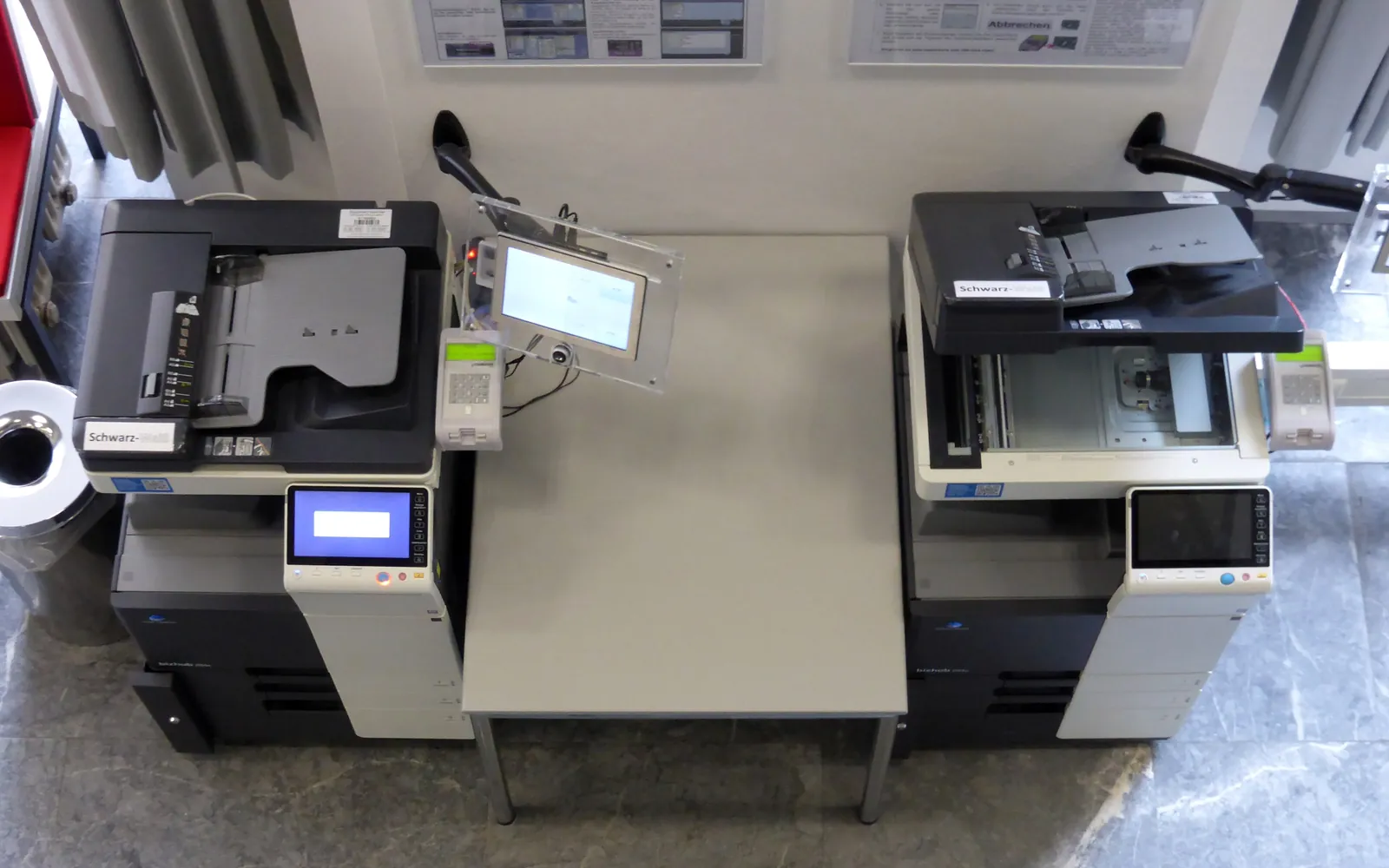
A printer for a church office has an unusual job. For most of the week it handles light office work: letters, rotas, finance reports and the occasional form. Then, once a week, it has to produce a large run of bulletins or orders of service, often double-sided and folded, sometimes with inserts. Many churches also rely on volunteers who use the printer only occasionally. This guide helps church administrators and volunteers choose and run a printer that copes with that pattern. It applies to churches, temples, mosques, synagogues and other faith or community organisations with a similar weekly rhythm.
Start with the weekly run
The weekly bulletin, newsletter or order of service usually drives every decision. Write down:
- how many copies you print each week, and on how many sheets each;
- whether pages are printed on both sides;
- whether copies are folded, stapled or made into booklets;
- whether you print in colour, and on which pages;
- extra peaks such as festivals, weddings, funerals and annual meetings.
Multiply copies by sheets to get your weekly and monthly page count. That figure tells you whether a small office printer can cope or whether you need a copier-class machine. Our guide to printer duty cycle and monthly volume explains how to compare that number with printer specifications.
Features that matter
Duplex printing and paper capacity
Bulletins are almost always double-sided. Automatic duplex printing is essential, and a large paper tray avoids stopping the run to reload. Check how fast the printer prints double-sided pages, not only single-sided speed.
Folding and booklets
If volunteers fold hundreds of sheets by hand every week, a booklet finisher can save real time. It folds the sheets and staples along the fold, producing a saddle-stitched booklet. These units are mostly offered on larger A3-capable copiers. Our guide to copier finisher options explains booklet units, capacities and what to ask before ordering.
If booklets are only needed a few times a year, a desktop folding machine or a print shop is often cheaper. See outsource printing vs in-house for how to compare.
Colour or mono
Colour pages cost noticeably more to print than mono pages. Many churches print the main bulletin in mono and use colour only for the cover, special services or posters. Our guide to colour vs black and white office printers explains the cost difference and how colour is billed on contracts.
Simple controls for volunteers
Volunteers may use the printer once a week or less. Look for a clear touch screen, saved job settings (for example “bulletin: duplex, booklet, 200 copies”), and simple jam clearing. Write a one-page guide and keep it next to the device.
Buying, leasing or a donated copier
Churches usually choose between three routes.
Buying a business printer. For moderate volumes, a business laser multifunction printer bought outright can be the simplest option. You pay for toner and repairs as needed.
Leasing a copier. A lease or managed contract spreads the cost and usually includes service and toner, paid through a cost per click charge. Read the contract carefully: term length, minimum volumes, automatic renewal and end-of-lease terms. Our lease vs buy guide and end of copier lease checklist cover the clauses to watch.
A donated or refurbished copier. Members or local businesses sometimes offer a copier they no longer need. That can be generous and useful, but check before accepting:
- age of the machine and whether the manufacturer still supports it;
- availability and cost of toner, drums and service;
- whether it is still under a lease (it may not be the donor’s to give);
- whether its internal storage has been wiped, since it may hold the donor’s documents.
Our guides to refurbished copiers and copier hard drive data security cover these checks.
Copyright: song words and music
Bulletins and song sheets often include hymn and song words. Copyright still applies to many of them. In general:
- works in the public domain can be reproduced freely;
- for songs still in copyright, reproducing the words normally needs permission from the copyright owner or a licence that covers it;
- photocopying sheet music is often covered by a separate permission or licence from reproducing words.
Licensing organisations such as CCLI offer church licences for reproducing song words in many countries, with separate products for copying music. Check what your licence covers, keep records of what you reproduce if the licence requires it, and include the licence details on printed material where the licence asks for it. This guide is not legal advice; if you are unsure, ask the licensing body or a legal adviser.
Personal data on paper
Church offices handle personal information: prayer lists, pastoral notes, safeguarding records, giving records and contact lists. Treat printed copies with care:
- do not leave these documents in a shared output tray; use secure print release if the printer is in a shared space;
- keep scanned records in controlled folders;
- shred or securely dispose of printed lists when no longer needed.
In the UK and EU, data protection law also applies to religious and charitable organisations. Our guide to GDPR and office printers covers the main points.
A weekly print routine
A simple routine keeps the weekly run from becoming a last-minute rush:
- set a fixed deadline for notices and content each week, with a day’s margin before printing;
- print one proof copy and check page order, double-sided alignment and folding before the full run;
- run the bulletin at a quiet time, not while the office needs the printer for other work;
- check toner and paper the day before, so the run does not stop halfway;
- keep a short record of copies printed each week to spot trends and plan supplies.
If several volunteers share the job, keep the saved print settings and the checklist in one place, so whoever is on duty gets the same result.
Keeping costs predictable
Church budgets are often tight and reviewed by committees. To keep printing costs predictable:
- Record meter readings monthly and compare with the budget.
- Separate mono and colour page counts.
- Agree who can print large colour jobs.
- Keep a small stock of toner and paper, but not years of supplies.
- Review the contract or supplies cost each year using your actual volumes.
Our office printing budget template works well for a church office, and our guide to office printer paper helps you pick a standard paper and store it properly.
Summary
The right printer for a church office is sized for the weekly run: fast duplex printing, enough paper capacity, simple controls for volunteers and, where folding takes hours each week, a booklet finisher. Print mostly in mono, check donated machines carefully, respect copyright for song words and music, and protect personal data on paper.
Frequently asked questions
What kind of printer is best for printing church bulletins?
For a weekly bulletin run, a business laser multifunction printer or copier with reliable duplex printing and a large paper capacity is usually the best fit. If you fold bulletins into booklets every week, a model with a booklet finisher can save volunteer time.
Should a church lease a copier or buy one?
It depends on volume and cash flow. Leasing spreads the cost and often bundles service, but ties you into a contract. Buying a suitable business printer outright can be cheaper for low volumes. Compare the full cost over the contract period, including service and supplies.
Is it worth accepting a donated copier?
It can be, if the device is not too old, supplies and service are still available, and the data storage has been wiped by the donor. A donated machine that needs expensive repairs or uses hard-to-find toner can end up costing more than a new small printer.
Do we need a licence to print song lyrics in the bulletin?
If the songs are still in copyright, reproducing the words normally needs the copyright owner's permission or a licence that covers it. Organisations such as CCLI offer licences for churches in many countries. Works in the public domain do not need a licence.
Can we print in colour without high costs?
Print the bulk of the bulletin in mono and limit colour to covers, notices or special services. Track colour pages separately, and consider sending large colour jobs such as event posters to a print shop.
Sources
Printer.business Editorial Team
Editorial team
The Printer.business editorial team writes independent guides on choosing, costing and managing office printers, using primary sources such as ISO/IEC standards, ENERGY STAR, NIST and the UK NCSC.


