Running costs
Outsource Printing vs In-House: What Should an Office Print?
Written by Printer.business Editorial Team · Updated
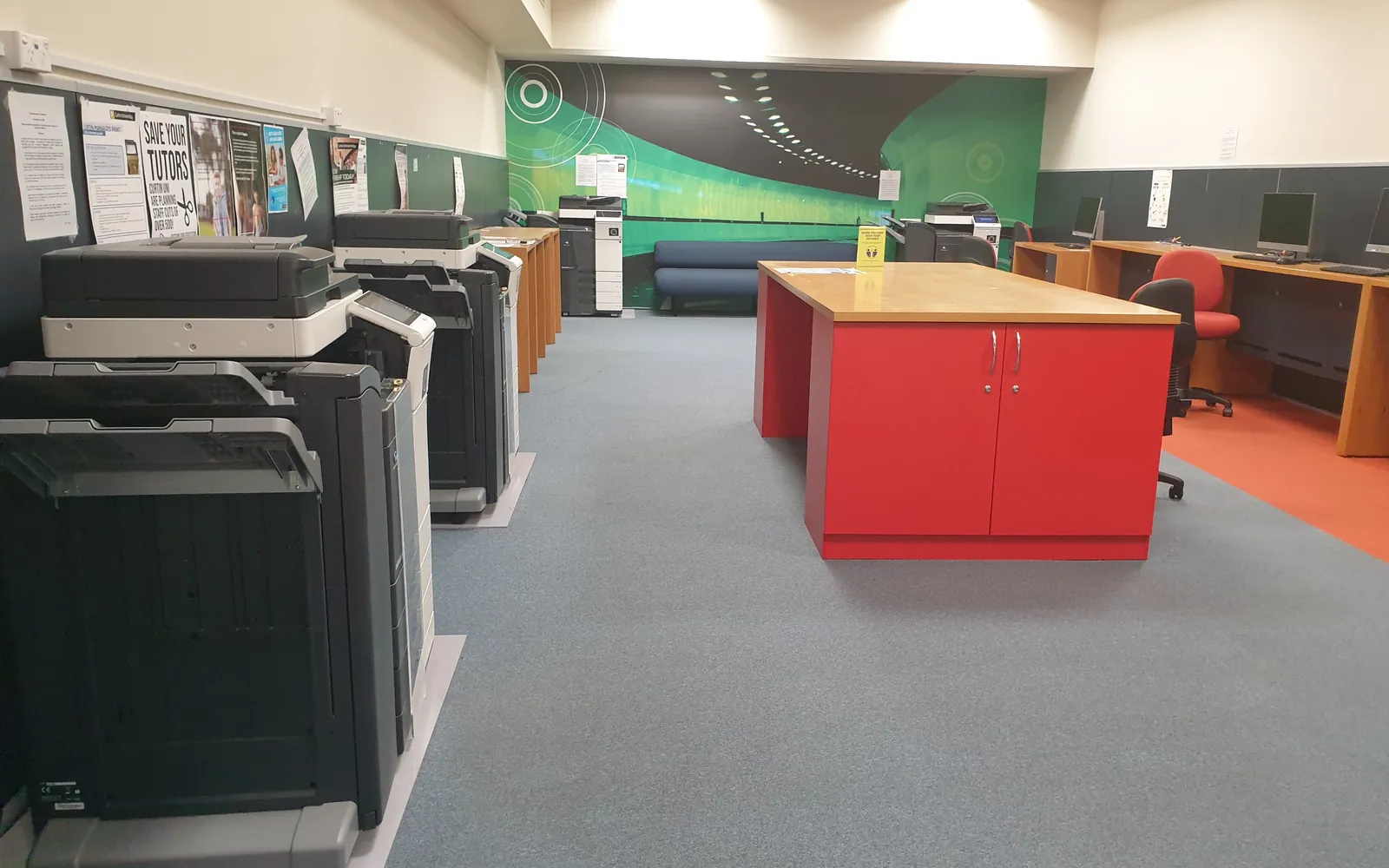
Deciding between outsource printing vs in-house printing is not a one-time choice between owning printers and using a print shop. Almost every office does both. The real question is which jobs belong where. Get the split wrong and you either tie up the office printer for a day on brochures it prints badly, or pay a print shop and wait for documents you could have printed in minutes. This guide sets out which jobs usually belong in-house, which are usually better outsourced, and how to compare the two on cost, quality, speed and confidentiality.
What in-house printing is good at
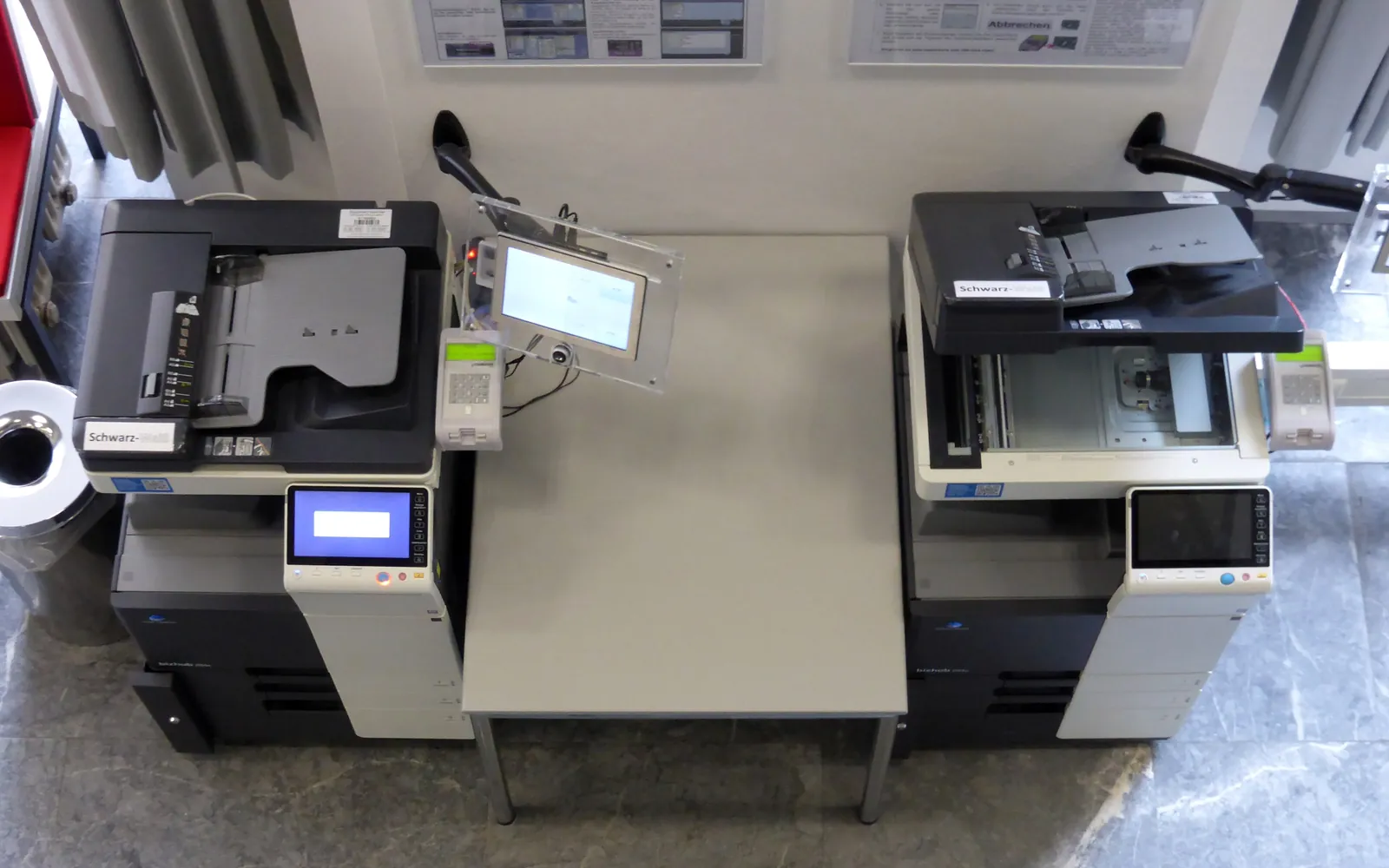
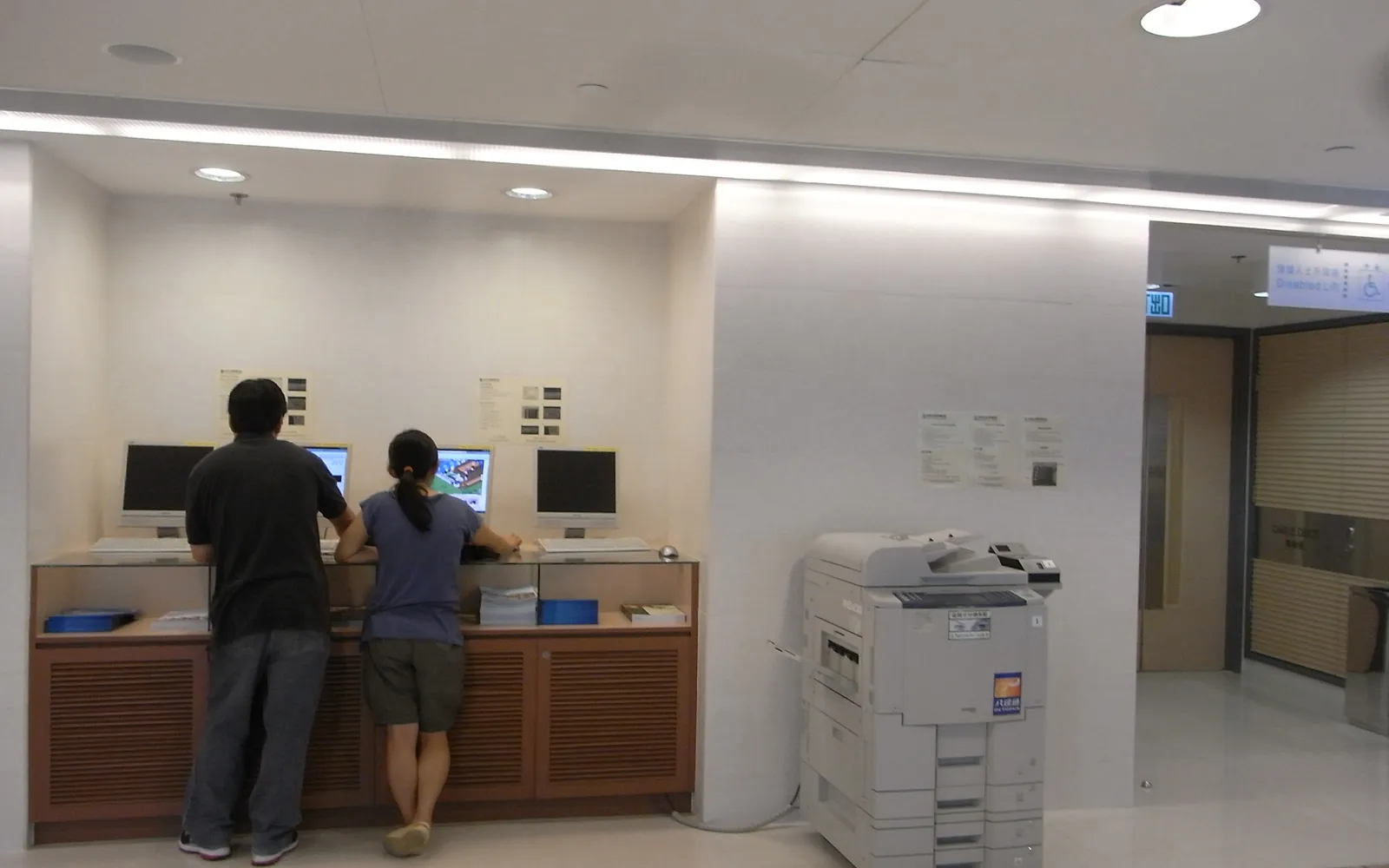
Office printers and multifunction devices are built for documents: letters, reports, forms, invoices and drafts, mostly on standard paper, in short runs, often needed now. In-house printing wins when:
- The job is urgent. Nothing beats printing at the desk for a meeting in ten minutes.
- Runs are short and frequent. A few copies of many different documents.
- The content is confidential. Contracts, HR files and client data stay inside the office, ideally with secure print release.
- The content changes often. Price lists, internal forms and drafts you would otherwise reprint.
For these jobs the running cost is your cost per page, which our printer cost per page guide explains how to calculate.
What print shops are good at
A commercial printer uses production presses and finishing equipment that an office cannot justify. Outsourcing usually wins for:
- Long runs. Hundreds or thousands of identical pieces. Offset printing in particular becomes cheaper per piece as quantity rises; digital presses suit short runs and personalised pieces.
- Special paper. Heavy card, coated, textured or recycled stocks that office printers may not feed reliably.
- Full bleed and brand colour. Printing to the edge of the page and matching brand colours consistently across a run.
- Finishing. Saddle-stitched booklets, perfect binding, folding, trimming, lamination, die cutting.
- Large and unusual formats. Posters, banners and signs. If you print large drawings often, compare outsourcing with the guidance in our wide format printer for the office guide.
Compare the cost of the finished piece
Comparisons often go wrong because they set a print shop’s quote against only the toner or click cost of the office printer. A fair comparison counts the cost of each finished, usable piece:
- Consumables and clicks. Toner, ink or contract click charges per page; see copier cost per click if you have a service contract.
- Paper, especially if the job needs heavier or premium stock you would buy specially.
- Staff time to print, check, collate, fold, staple and trim, and to deal with jams.
- Waste: test prints, misfeeds and reprints when colour or alignment is off.
- Wear: heavy jobs use up parts and service intervals faster, and a long job can block the printer for everyone else.
- The print shop side: the quote, delivery or collection, proofs, and the cost of ordering more than you need to reach a good price.
An office print audit shows which large or repeated jobs are worth testing against a quote. Make it a habit to get a quote for any job above a set size, for example more than a few hundred colour pages, and compare it with your in-house figure.
Quality and consistency
Office colour printers have improved a great deal, but they are calibrated for documents. Expect differences in colour between devices and between runs, a white border on most models, and limits on paper weight. For internal documents none of this matters. For customer-facing pieces, ask a print shop for a proof and check it against your brand guidelines. Our guide to colour vs black and white office printers covers what an office colour device realistically does well.
Speed and control
In-house printing gives you control: you can reprint immediately, change a page at the last minute and keep working when a courier is late. Print shops need files prepared to their specifications, proofs approved and production time, but they can finish a large job in one go without blocking your office. For regular jobs, agree standard specifications with one shop so reorders are quick.
Confidentiality and data protection
If you outsource jobs that contain personal data, such as personalised mailings, name badges or customer letters, the print shop processes that data on your behalf. Under UK and EU data protection rules you need a written agreement covering how it secures files, who can access them, and when they are deleted, and you should check that the supplier can meet those terms. Our GDPR and office printers guide covers the basics. For confidential documents with no marketing purpose, in-house printing with controlled release is usually the safer default.
A practical split for a small office
Most small offices end up with a split like this:
| Usually in-house | Usually outsourced |
|---|---|
| Letters, reports, forms, drafts | Brochures and catalogues in volume |
| Contracts and confidential files | Business cards and letterheads |
| Short runs of internal handouts | Booklets with professional binding |
| Urgent documents and reprints | Posters, banners and signage |
| Short runs of simple flyers | Full-colour mailings to customers |
Write the split into your office print policy so staff know where to send each job, and include an outsourced print line in your office printing budget so the comparison stays visible.
Working well with a print shop
Outsourcing goes more smoothly when you send files the way the printer needs them. Ask for the shop’s file specifications before you design anything. Most ask for print-ready PDF files at the final size, with bleed (artwork that extends past the trim edge) and crop marks where pieces are printed to the edge, fonts embedded, and images at a resolution suited to print. Ask for a hard or digital proof for any new design, check spelling, colours and folds on the proof rather than on screen, and keep the approved file and specification so a reorder is identical. For confidential or personalised jobs, agree how files will be transferred and when the shop deletes them.
Review the split each year
Needs change: a marketing push, a new client type or a move to digital forms can shift volumes. Once a year, look at the largest jobs printed in-house and the outsourced orders. If the office printer spends days on long colour runs, outsourcing those may let you keep a smaller device. If you order many small, urgent jobs from a print shop, a better office printer may pay for itself.
Summary
In the outsource printing vs in-house decision, keep everyday, urgent and confidential documents on your own printers, and send long runs, special paper, finishing and customer-facing colour work to a print shop. Compare the full cost of each finished piece, check data protection terms before outsourcing personal data, and review the split each year with real job data.
Frequently asked questions
Is it cheaper to print in-house or use a print shop?
For short runs of ordinary documents, in-house printing is usually cheaper and faster. For long runs, heavy or special paper, booklets, large formats and full-colour marketing pieces, a print shop is often cheaper per finished piece and better quality. Compare quotes against your own cost per page, staff time and waste.
What should a small business never outsource?
Documents that are confidential and needed at short notice, such as contracts in negotiation, client files and HR records, are usually best printed in-house with secure release. If you do outsource them, use a provider that agrees in writing how it secures and deletes your files.
Can an office printer print marketing brochures?
A good colour office printer can produce short runs of flyers and simple folded leaflets. It usually cannot print to the edge of the page, handle very heavy or coated stock reliably, or match brand colours consistently across a large run. Order a proof from a print shop for anything customer-facing in volume.
What is the difference between digital and offset printing?
Digital presses print directly from a file and suit short runs and personalised pieces. Offset printing uses plates and suits long runs, where the cost per piece falls as quantity rises. Many print shops offer both and will advise which suits your job.
Sources
Printer.business Editorial Team
Editorial team
The Printer.business editorial team writes independent guides on choosing, costing and managing office printers, using primary sources such as ISO/IEC standards, ENERGY STAR, NIST and the UK NCSC.