Buying guides
Color vs Black and White Office Printer: Do You Need Color?
Written by Printer.business Editorial Team · Updated
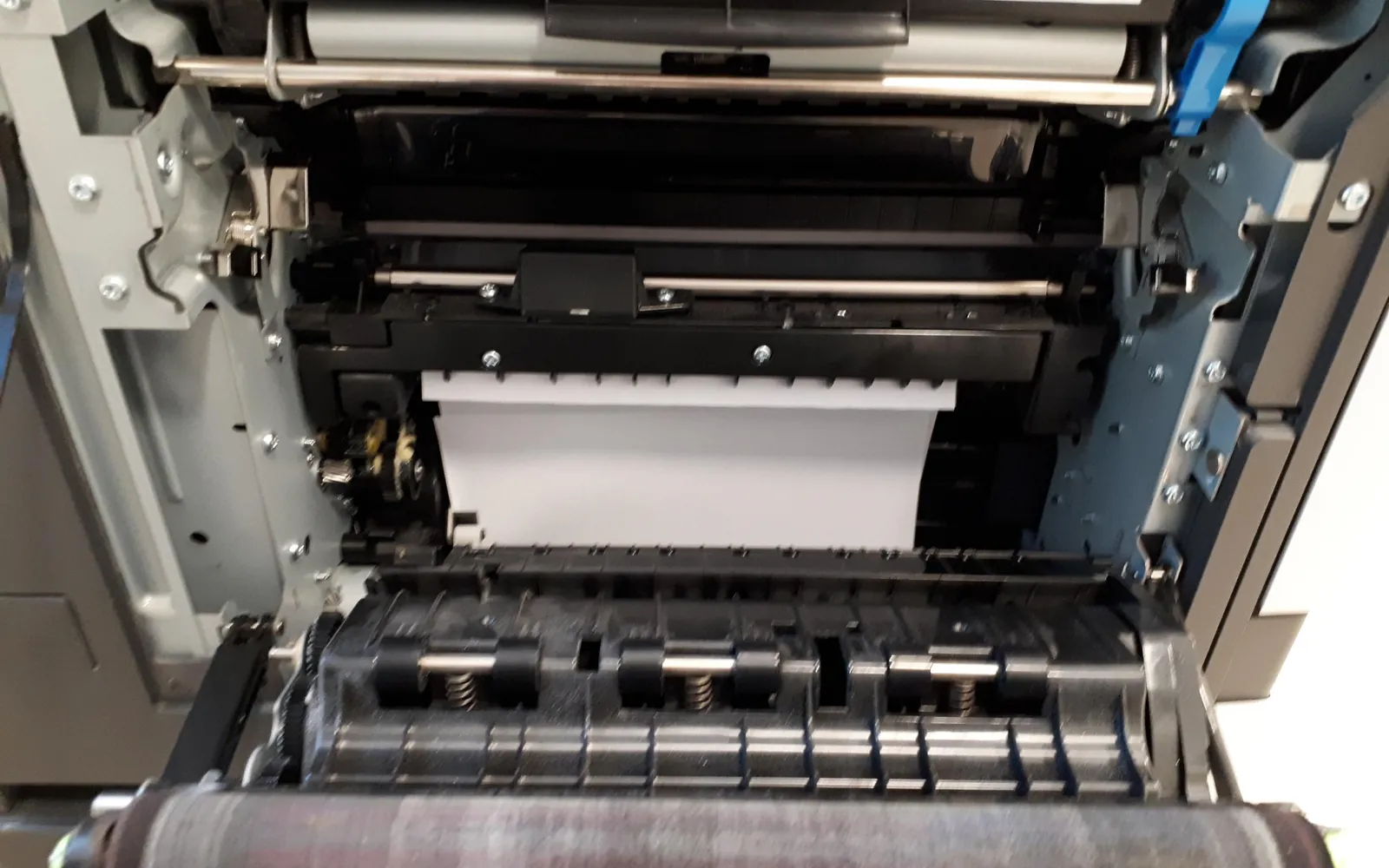
The color vs black and white printer choice is one of the biggest running-cost decisions a small business makes when buying an office printer or MFP. Color looks better and is sometimes essential. It also adds consumables, parts and temptation to print in color when black would do. This guide helps you decide whether your office needs color, and if it does, how to keep color costs under control.
We do not quote prices; supply costs differ by model, country and dealer. Instead we show how to compare using your own quotes.
What most offices actually print
For many small businesses, the bulk of printing is invoices, letters, contracts, forms, delivery notes and internal reports. These are text documents that work perfectly in black. Color matters for a smaller set of documents:
- Proposals, presentations and reports for clients.
- Marketing material: flyers, price lists, menus, property particulars.
- Charts and plans where color carries meaning.
- Photos for internal use, such as site or inspection records.
Before you decide, measure. Your current printer or copier probably reports color and mono pages separately. If it does not, ask staff to note color jobs for a few weeks. Our office print audit explains how to collect page counts.
Why color costs more per page
A mono laser or inkjet uses black only. A color device uses black plus cyan, magenta and yellow. For each color page you pay for:
- Black, if the page has black content.
- Each color supply, at its own cost per page.
- In color lasers, often separate drums or an imaging unit for each color, plus a transfer belt and waste toner container.
Rated yields for color supplies are measured on a standard test page, which may have less coverage than your marketing flyer. So real color cost per page is often higher than the label suggests. The method is in our cost per page comparison and toner costs guide.
Other differences
| Mono device | Color device | |
|---|---|---|
| Consumables to stock | Black toner or ink, maybe a drum | Four toners or inks, often several drums or an imaging unit, waste container |
| Typical cost per page | Lower | Higher for color pages; mono pages vary by model |
| Purchase price | Usually lower for the same speed class | Usually higher |
| Parts that wear | Fewer | More |
| Risk of unnecessary color | None | Needs defaults and controls |
These are general patterns. Some color devices have competitive mono costs per page, and some business inkjets have color costs close to mono. Compare the specific models on your shortlist.
When to choose a mono printer
- Color pages are a small share of your printing.
- You can send color jobs to a print shop or a single small color printer.
- You want the lowest cost per page and the simplest supplies.
- The device is in a busy shared area where controlling color would be difficult.
When to choose color
- Client-facing color documents are a regular part of the work.
- Charts, maps or plans need color to be read correctly.
- You produce marketing material in house and the quality meets your needs.
- The cost of outside printing, and the delay, would exceed the extra cost of color in house.
A mixed approach
Many small offices run a mono MFP for everyday work and one color device for the jobs that need it. This keeps the high-volume device cheap to run while giving people access to color. The laser vs inkjet guide is useful here, because business inkjets can be a sensible choice for a low-volume color printer.
If you buy color, control it
- Set mono as the default in drivers and on the device. Our print policy template includes the wording.
- Use grayscale for internal drafts. Most drivers have a grayscale or black-only option.
- Use user codes or accounts so color use is visible by person or team.
- Route color through secure release, so color jobs are printed only when someone is at the device. See secure print release.
- Review color share monthly from device reports. A sudden rise usually has a simple cause.
For more cost controls, see how to reduce printing costs.
Quick test: what would color cost you?
Take one month of your real color page count. Multiply it by the color cost per page of the device you are considering, worked out from your own supply quotes. Then multiply the same page count by the mono cost per page, as if those pages were printed in black, and compare the two totals. Add what outside printing would cost for the documents that genuinely need color. The gap tells you what color in house is worth to your business, in your own numbers rather than a vendor’s estimate.
Leases and service contracts
If you lease a color copier with a cost-per-click service contract, color and mono clicks are usually charged at different rates, and there may be a minimum volume. Check both rates and how color is counted (some contracts count any color on a page as a full color click). The lease vs buy guide explains the clauses.
How color is billed on managed contracts
On a managed print or click contract, the colour decision is also a billing decision. Contracts charge mono and colour pages at different rates, and some count any page with a touch of colour, such as a logo, as a full colour page. Before choosing a colour device on a contract, ask how colour is detected and whether there is a lower rate for low-coverage pages. Our guides to copier cost per click and managed print services pricing models explain the clauses and how to compare quotes with your measured colour share.
If most colour pages are internal drafts, a paperless office approach to review and approval often removes them altogether.
Summary
Choose black and white if most of your pages are text and color is occasional. Choose color, or add one color device, when color is a regular part of client or marketing work. In either case, measure your real color share, compare cost per page with your own quotes, and make color a deliberate choice rather than the default. The office printer buying guide covers the rest of the decision.
Frequently asked questions
Does my small business need a color printer?
Only if you regularly produce documents where color matters: client proposals, marketing material, charts, plans, or forms that rely on colour coding. If color is occasional, a mono printer plus outside printing for those jobs is often cheaper.
Is color printing much more expensive than black and white?
Usually yes. A color page draws on cyan, magenta and yellow as well as black, and color devices have more imaging parts. Work it out with your own supply prices: add the cost per page of each color supply to the black cost to get a color page cost.
Do color printers use color toner when printing black?
It depends on the model and settings. Most business color devices print pure black text with black only, but some settings, such as rich black or certain drivers, may use color too. Print in grayscale or mono mode to be sure, and check the device's usage counters.
Are mono printers more reliable?
They have fewer imaging components, so there are fewer parts to wear out and fewer supplies to run out. Reliability still depends on choosing a model sized for your volume.
Sources
Printer.business Editorial Team
Editorial team
The Printer.business editorial team writes independent guides on choosing, costing and managing office printers, using primary sources such as ISO/IEC standards, ENERGY STAR, NIST and the UK NCSC.