Buying guides
Wide Format Printer for an Office: Plans, Posters and CAD
Written by Printer.business Editorial Team · Updated
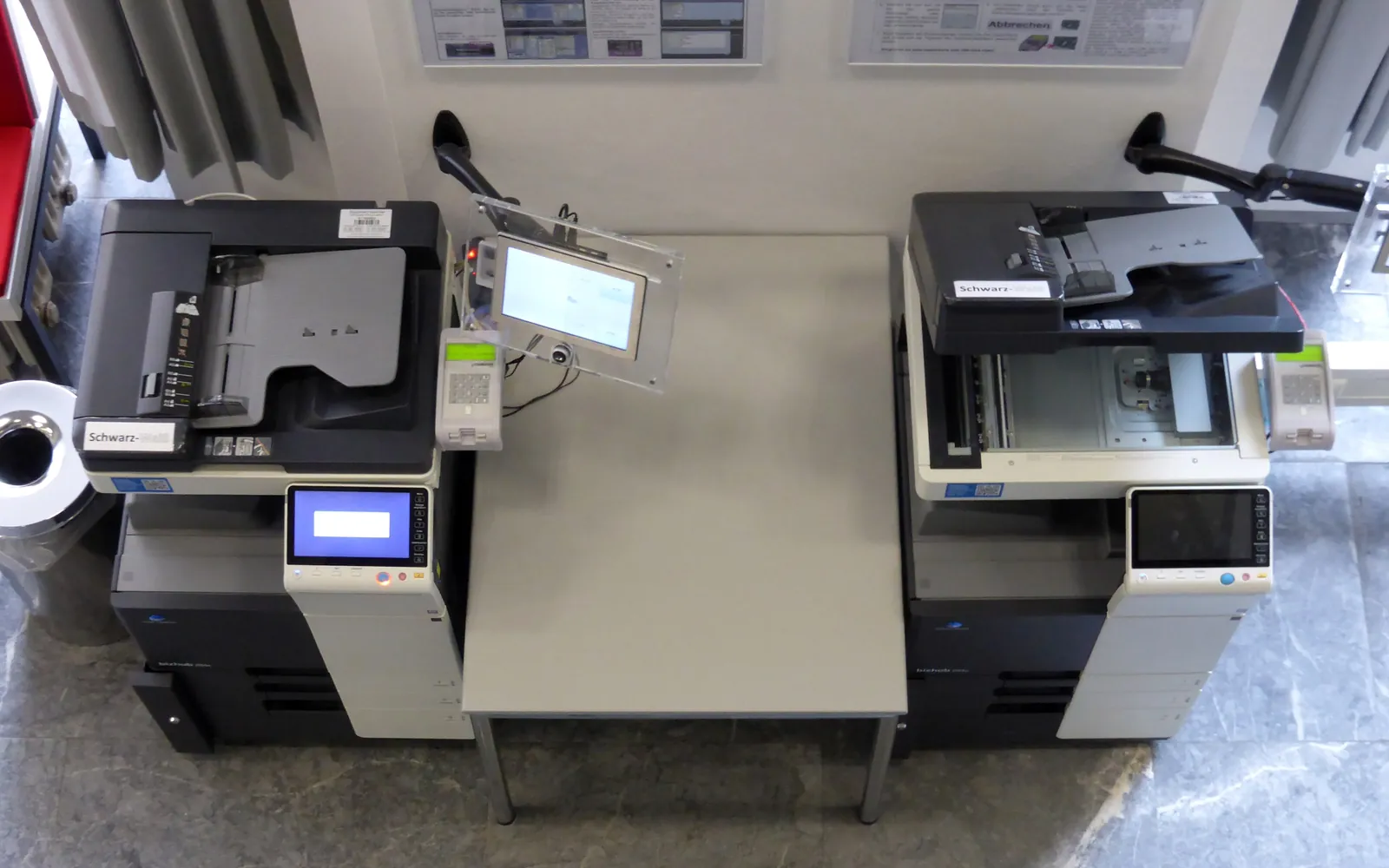
A wide format printer for an office fills the gap that a standard A4 or A3 printer cannot: architectural plans, engineering drawings, site maps, posters and display boards. Architects, engineers, surveyors, builders, schools and marketing teams all use them. They are also easy to buy for the wrong reasons, because a plotter that sits idle costs money in dried ink and maintenance. This guide explains what to consider before adding one to your office.
What counts as wide format
Wide format, or large format, printers print on paper wider than the A3 or tabloid sizes most office devices handle. Most take paper from a roll, cutting each print to length, and some also take cut sheets.
The ISO 216 A series sizes are the usual reference outside North America:
| Size | Dimensions (mm) | Typical use |
|---|---|---|
| A3 | 297 x 420 | Small drawings, handouts (office MFPs often handle this) |
| A2 | 420 x 594 | Small plans, posters |
| A1 | 594 x 841 | Standard drawing sheet, posters |
| A0 | 841 x 1189 | Large drawings, site plans, display posters |
In North America, architectural sizes such as ARCH D (24 x 36 inches) and ARCH E (36 x 48 inches) and the ANSI series are common.
Roll width: the key decision
Wide format printers are described by their maximum roll width. Two widths dominate offices:
- 24-inch (about 610 mm): fits A1 (594 mm short side) and ARCH D. Compact, often desktop or on a small stand.
- 36-inch (about 914 mm): fits A0 (841 mm short side) and ARCH E. Larger footprint, higher cost.
Wider models (44 inches and more) are mostly for signage and print shops. Choose the width for the largest drawing you print often. If you need A0 twice a year, a 24-inch printer plus an outside print shop may be the better combination. If you are unsure about the step between A4 and A3, start with our A3 vs A4 office printer guide.
Technical drawings vs posters
Different work needs different strengths:
- CAD and technical drawings: fine, accurate lines, sharp small text, fast mono printing and good handling of large multi-sheet sets. Pigment black is common for crisp, water-resistant lines.
- Maps and GIS: large areas of colour fill, where ink use and drying time matter.
- Posters and displays: colour accuracy, photo quality, and fade resistance, often on coated or photo media.
Many office plotters are built for technical drawings and print acceptable posters. Dedicated graphics printers do the reverse. Be clear which matters more to you.
Scanning and copying large documents
If you need to copy or archive existing drawings, look at models with a built-in wide format scanner, or a separate one. A wide format multifunction device can scan a marked-up plan to PDF and send it to a folder, much like an office MFP. See scan to folder setup for the network side.
Running costs
Wide format running costs have more parts than office laser printing:
- Ink: often several cartridges, sometimes in large capacities. Colour fill uses far more ink than line drawings.
- Media: plain bond rolls for drawings, coated, photo or heavyweight media for posters. Media type changes ink use and quality.
- Printheads: some are user-replaceable consumables.
- Maintenance cartridges that collect waste ink from cleaning cycles.
- Service: contracts or on-call repairs.
Inkjet printheads need regular use. A plotter that sits unused can waste ink on cleaning cycles and may develop clogged nozzles. Plan for someone to print regularly or check status weekly. Add these costs to your office printing budget and compare them using printer total cost of ownership.
Practical points before buying
- Space: a 36-inch printer on a stand needs room in front for output and behind or above for roll loading. Measure the space and the doorway.
- Output handling: a basket or stacker keeps prints flat and in order.
- Software: drivers for your CAD applications, PDF printing, and job accounting if several projects share the device.
- Network and security: treat it like any networked printer; change default passwords and update firmware. See the network printer security checklist.
- Energy: check sleep settings and ENERGY STAR information where available, as in office printer energy use.
Questions to ask in a demonstration
Ask the supplier to print your own files rather than their sample set. Bring a dense multi-sheet CAD set, a colour site map and a poster, and check:
- how long the first sheet takes from sleep and how long a full set takes;
- whether thin lines and small text stay sharp on plain bond paper;
- how prints are cut, stacked and kept in order;
- how ink, printheads and maintenance cartridges are replaced, and by whom;
- what usage and cost reports the printer or its software can produce for projects.
Note the answers in writing so you can compare models on the same basis.
Own, lease or outsource?
Owning a wide format printer makes sense when large prints are a regular, time-sensitive part of your work, such as daily drawing revisions. Leasing with a service contract shifts maintenance risk to the supplier; read lease vs buy an office printer and copier cost per click explained for the contract points, because wide format agreements may charge by area or by ink use rather than by page.
Outsourcing to a reprographics or print shop suits occasional or very large jobs, display graphics on special media, and mounted boards. Many offices combine a modest in-house plotter for drawings with a print shop for posters and A0 display work.
Placement and media storage
A wide format printer needs more planning for space than an office MFP. Measure not only the printer’s footprint but also:
- room in front for prints to drop into the basket or be collected as they leave the printer;
- space at the side or rear for loading rolls, which can be long and awkward to handle;
- a flat table nearby for trimming, checking and rolling drawings;
- a route through doors and corridors for delivery.
Rolls of paper and film are sensitive to damp and damage at the edges. Store them in their packaging, off the floor, and away from heaters and outside walls. The same rules that apply to ordinary office paper, described in our office printer paper guide, matter even more for wide rolls, because a curled or damaged roll edge can spoil a long print.
Wide format printers can also be noisy when cutting and feeding, and they attract people who gather to check drawings. Keep them out of quiet working areas where possible. Our office printer placement guide covers noise, ventilation, power and network points, all of which apply here.
If drawings are often bound into sets after printing, think about how that happens today. Most offices fold or roll large drawings by hand, while A3 reductions for client sets can go through an office copier with a finisher.
Summary
A wide format printer for an office is worth it when you print large drawings, maps or posters often enough to keep it in use. Pick the roll width for your common sizes, match the printer to line drawings or graphics, budget for ink, media, printheads and maintenance, and keep a print shop for the jobs that do not justify owning the kit.
Frequently asked questions
Do I need a wide format printer in my office?
You probably do if you regularly print drawings, plans, maps or posters larger than A3 or tabloid and need them quickly. If you print large formats a few times a month, a local print shop or reprographics service is often cheaper and avoids maintenance.
What is the difference between a 24-inch and a 36-inch plotter?
The number is the maximum roll width. A 24-inch (about 610 mm) printer can print A1 and ARCH D sheets; a 36-inch (about 914 mm) printer can also print A0 and ARCH E. Choose the width for the largest drawing you print often.
Is a plotter the same as a wide format printer?
Historically, plotters drew lines with pens. Today the word is used for wide format inkjet printers aimed at CAD and technical drawings. Other wide format printers are aimed at posters, signage and photographs.
Should a wide format printer use dye or pigment ink?
Many technical printers use pigment black for sharp, water-resistant lines and dye or pigment colour inks. Pigment inks generally resist fading better for posters and displays. Check the inks against what you print and where it is displayed.
How much space does a wide format printer need?
More than its footprint suggests. Allow room for roll loading, for prints to leave the front of the machine, and for a table to check and trim drawings. Check the manufacturer's installation dimensions before you order.
Sources
Printer.business Editorial Team
Editorial team
The Printer.business editorial team writes independent guides on choosing, costing and managing office printers, using primary sources such as ISO/IEC standards, ENERGY STAR, NIST and the UK NCSC.