Buying guides
Printer RFP Checklist: What to Ask Copier and MFP Dealers
Written by Printer.business Editorial Team · Updated
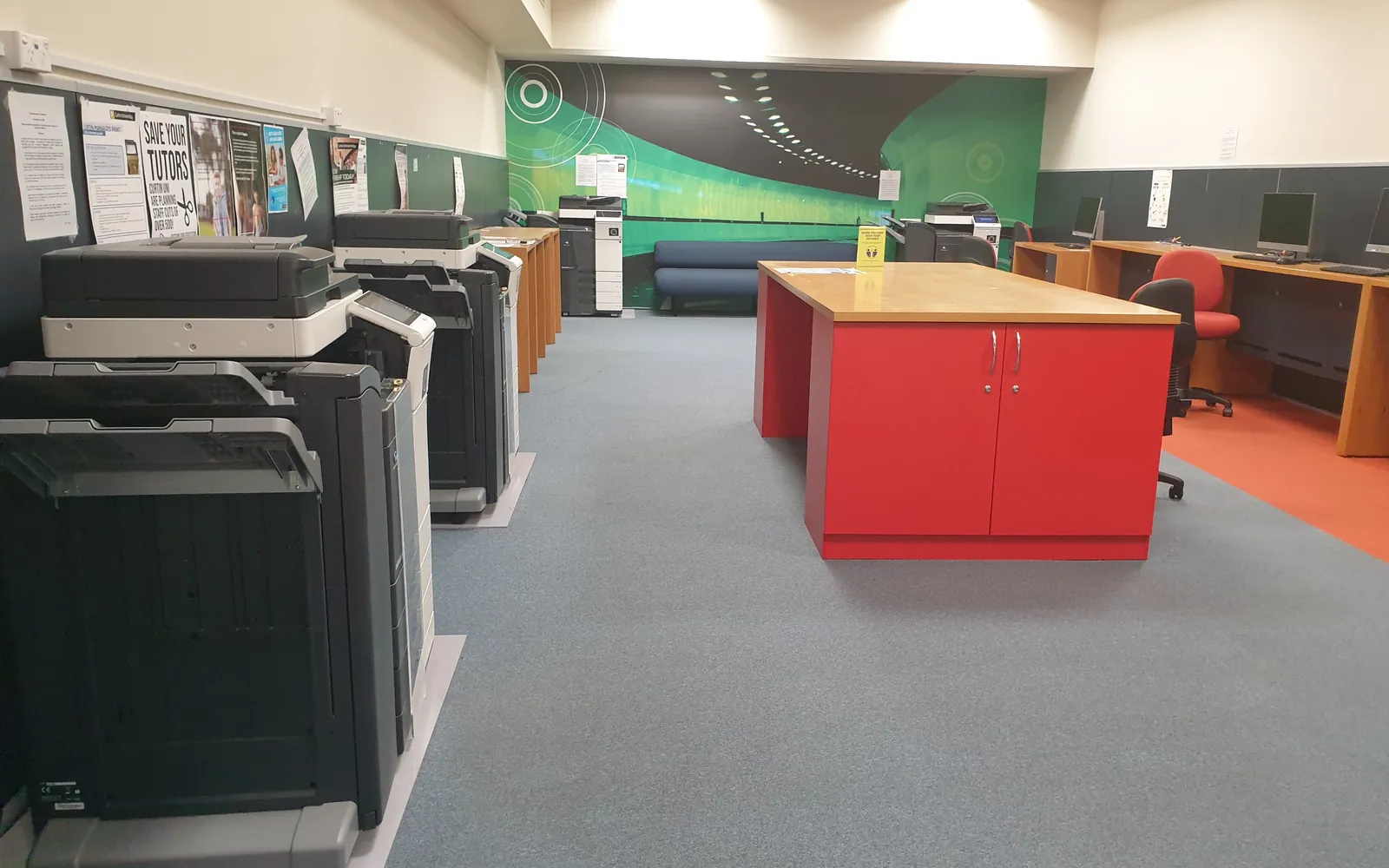
A printer RFP checklist helps a small business get comparable quotes for office printers, copiers and managed print. Without one, each dealer proposes a different device, a different contract structure and a different set of assumptions about your volumes, and the cheapest-looking quote is often the most expensive over the term. A short written request for proposal (RFP), even two or three pages, fixes that. This guide lists what to put in it, what to ask for and how to score the replies.
It complements our guides on leasing versus buying and managed print services, which explain the contract types you will be comparing.
Part 1: Describe your current situation
Bidders can only size a fleet correctly if they know what you have and how much you print.
- Current devices: model, age, location, functions used, and whether owned or leased (with end dates).
- Volumes: average monthly mono and colour pages per device, from meter readings over several months. An office print audit gives you these numbers.
- Paper sizes: A4 or letter, plus any A3 or tabloid use; our A3 vs A4 guide helps decide whether you really need it.
- Users and sites: number of users per area, floor plan or site list, and any home workers who print.
- Scanning: rough volumes and where scans go (email, folders, cloud, document systems).
- Pain points: jams, slow scanning, supply shortages, service delays. Bidders should address them.
Do not invent precision you do not have. If volumes are estimates, say so and ask bidders to propose a way to confirm them.
Part 2: State your requirements
Separate must-haves from nice-to-haves so bidders know what can be traded off.
Device and function requirements
- Print, copy, scan and fax needs per location.
- Speed expectations in pages per minute, and recommended monthly volume ranges that fit your measured volumes (see duty cycle and monthly volume).
- Document feeder type (single-pass duplex scanning matters for heavy scanning).
- Finishing: stapling, hole punching, booklet making.
- Paper capacity and media types.
- Energy: whether you require ENERGY STAR certified models or another energy label.
Security requirements
- Admin password management, firmware update process and who performs it.
- Encryption of stored data and secure erase options.
- User authentication and secure print release if confidential documents are printed.
- Supported protocols for scanning (current SMB versions, encrypted email submission).
- Data handling at the end of the term: how storage will be wiped or removed, to which standard (for example NIST SP 800-88 sanitisation guidance), and what certificate you will receive. Our copier hard drive guide explains why this matters.
Service requirements
- Response and fix times you expect, defined by you, for example within the next business day, and how they are measured.
- How supplies are delivered: automatic replenishment based on device reporting, or on request.
- Who replaces maintenance kits and wear parts.
- Reporting: what usage and service reports you will receive and how often.
- Training for staff and the in-house printer owner.
Part 3: Ask for pricing in one structure
This is the most important part. Give bidders a table to fill in, with the same rows for everyone:
| Item | What to ask for |
|---|---|
| Device cost | Purchase price or lease payment, term length and type of lease |
| Per-page rates | Mono and colour rates, and exactly what they include (toner, parts, labour, drums, staples) |
| Minimum volumes | Any monthly or quarterly minimum billed regardless of use |
| Overage | Rates above any included volume |
| Price changes | Annual escalators or indexation clauses |
| Installation | Delivery, setup, network and scanning configuration, training |
| End of term | Removal, data wiping, return shipping and any buy-out option |
| Termination | Early termination terms and notice periods for renewal |
Ask bidders to state their assumptions and to price your measured volumes so totals can be compared over the full term. For laser devices, ask for toner yields measured to the relevant ISO/IEC method, such as ISO/IEC 19752 for monochrome toner, so cost per page figures rest on a common basis. Our cost per page comparison and total cost of ownership guides show how to total them.
Part 4: Contract questions to include
- Is the lease with the dealer or with a separate finance company?
- Are the lease and the service agreement separate contracts with separate end dates?
- What happens if volumes fall or rise significantly during the term?
- Can devices be moved, added or removed mid-term, and at what cost?
- How much written notice is required to avoid automatic renewal?
Part 5: Evaluate the replies
Decide the weighting before bids arrive, for example cost, fit to requirements, service, security and contract flexibility. Then:
- Check each bid against the must-haves; reject or query any that miss one.
- Recalculate every bid’s total over the full term at your volumes, using your own spreadsheet.
- Ask for clarification in writing and share answers with all bidders where fair.
- Ask for references from customers of a similar size.
- Arrange a demonstration of scanning and secure release with your own documents if those features matter.
Pricing questions to add
Different suppliers may answer your RFP using different pricing structures, which makes replies hard to compare. Ask every supplier to break the price into hardware, service and pages, and to state minimum volumes, overage rates, how colour is counted and how annual increases work. Our guide to managed print services pricing models explains each structure, and copier cost per click explained shows how to turn a click quote into a monthly total.
If a supplier offers refurbished equipment, ask for the meter count, parts replaced and firmware support status for each device, and add a question on how empty cartridges are collected.
Checklist
- Current devices, volumes, paper sizes, users and sites documented.
- Must-have and nice-to-have requirements listed.
- Security and end-of-term data wiping requirements stated.
- Service expectations defined.
- One pricing table for all bidders.
- Contract questions included.
- Weighted scoring agreed before bids arrive.
- Deadline, contact person and decision date set.
Frequently asked questions
What is a printer RFP?
A request for proposal is a document you send to several dealers or managed print providers describing your needs and asking each to propose devices, service and pricing in the same format. It makes the bids comparable and gives you a written record of what was promised.
Is an RFP worth it for a small business?
Even a two or three page RFP helps once you lease or buy copier-class MFPs or sign a multi-year service contract. The work mostly consists of collecting volumes and requirements you need anyway.
What pricing should I ask for?
Ask for the device cost (purchase or lease payment and term), the service or cost per page rates for mono and colour, what those rates include, any minimum volumes, overage rates, annual price increases and all end-of-term charges such as removal, data wiping or return shipping.
How many suppliers should I invite?
Enough to get real competition while keeping evaluation manageable; many small businesses invite three or four. Include at least one supplier you have not used before.
Should the RFP name specific models?
Usually not. Describe the requirements and volumes and let bidders propose models. Naming a model limits competition and may lock in a device that is wrong for your volumes.
Sources
Printer.business Editorial Team
Editorial team
The Printer.business editorial team writes independent guides on choosing, costing and managing office printers, using primary sources such as ISO/IEC standards, ENERGY STAR, NIST and the UK NCSC.