Print management
Office Print Audit: How to Assess Your Printing in a Week
Written by Printer.business Editorial Team · Updated
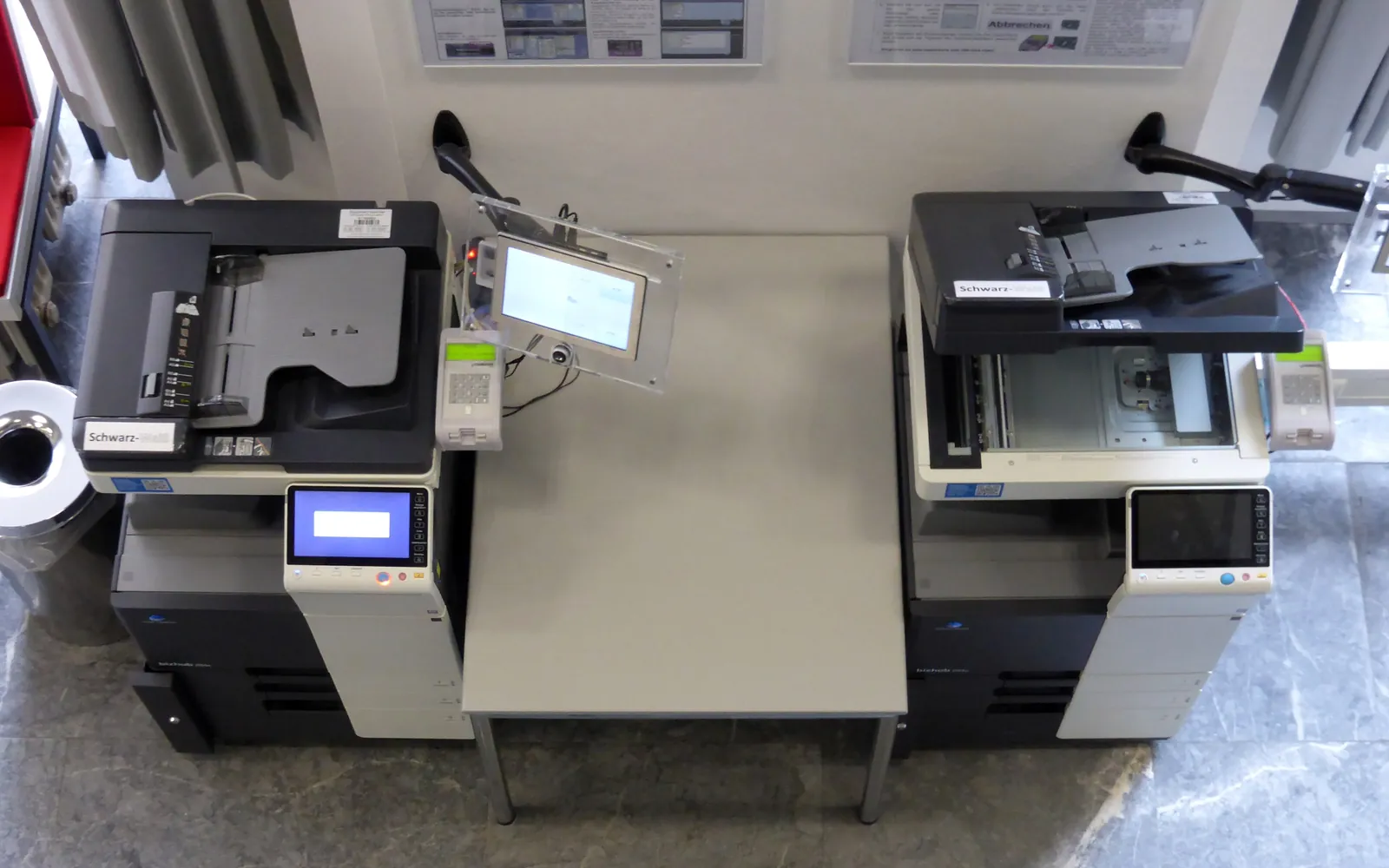
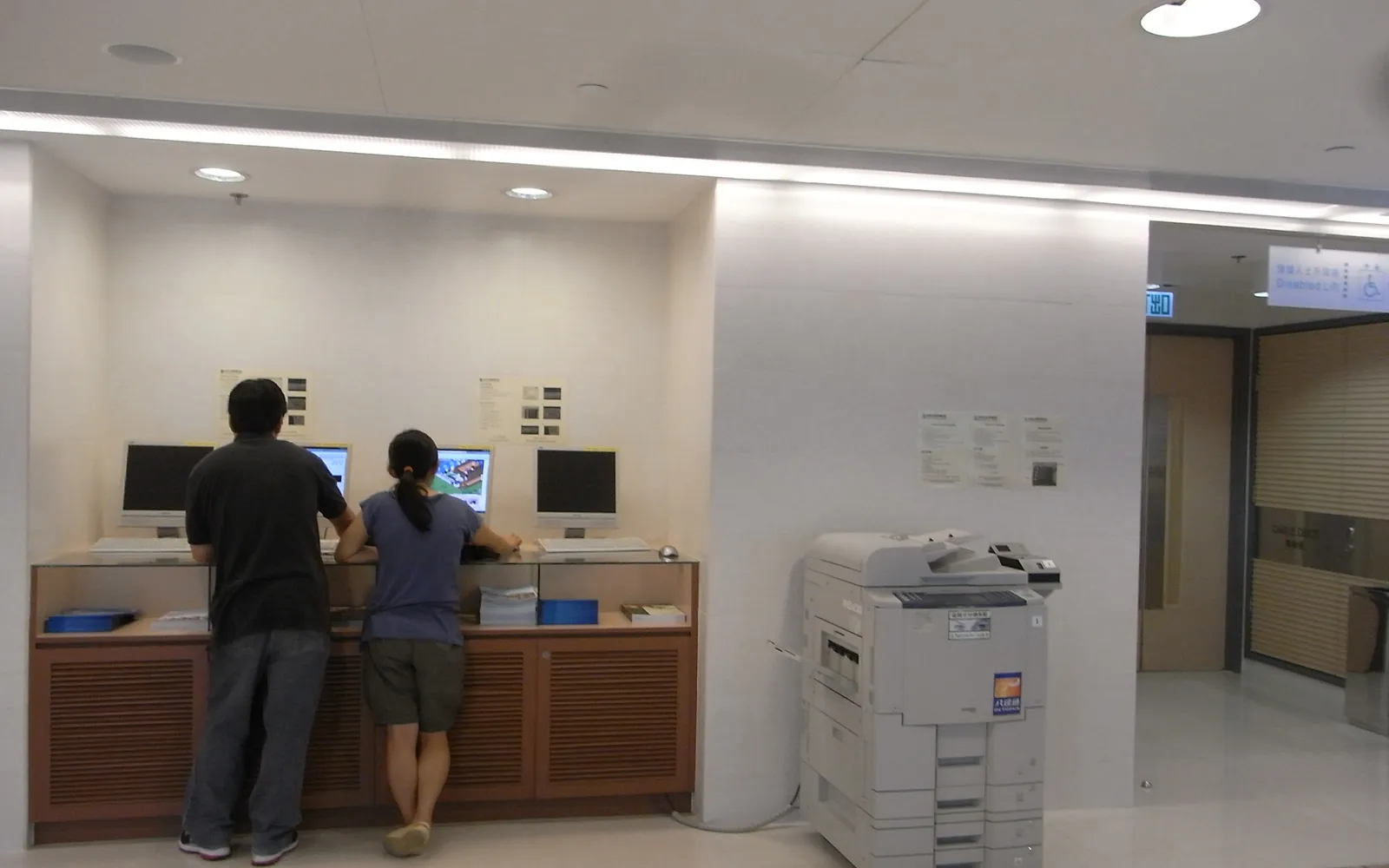
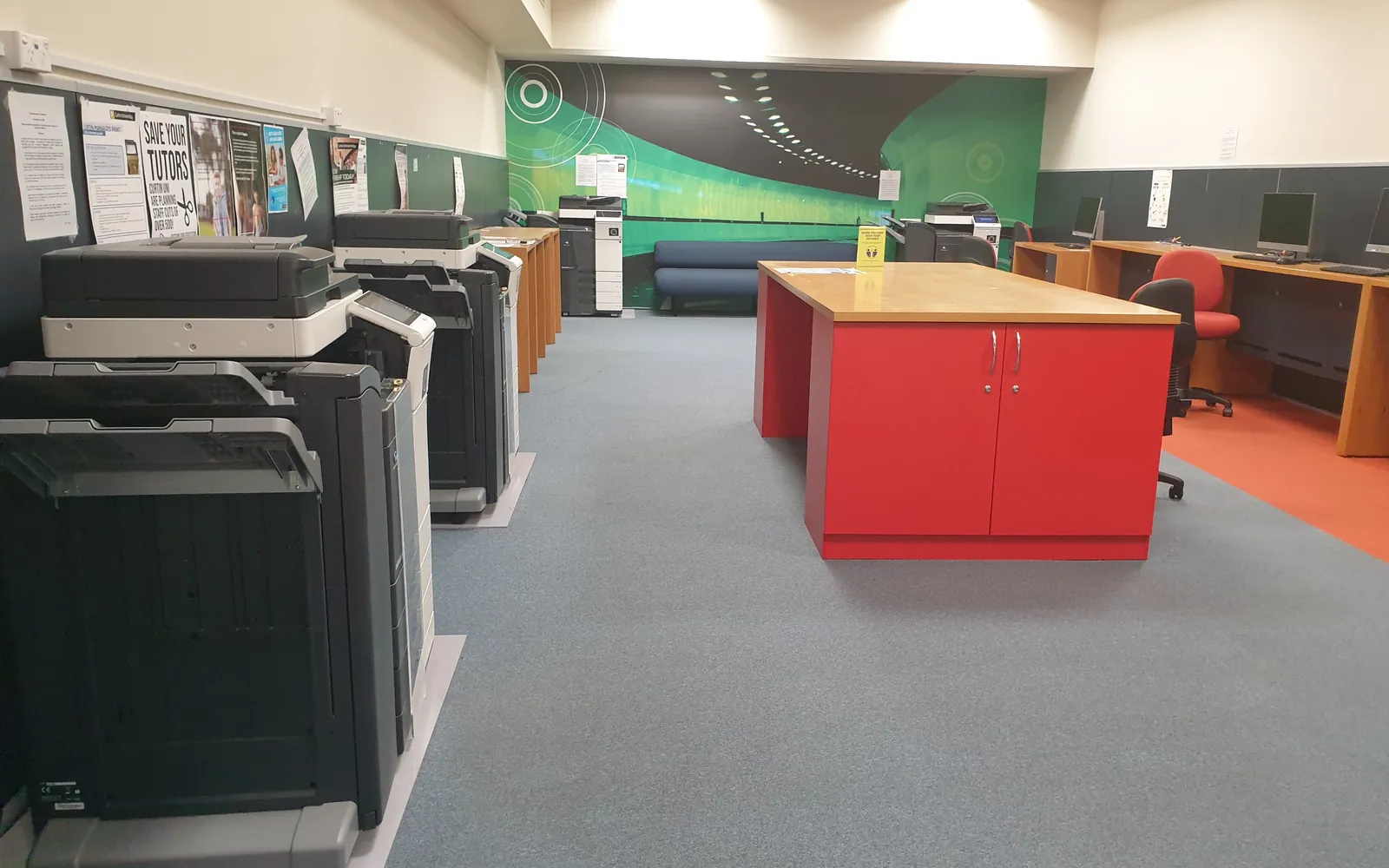
An office print audit answers four questions: what printing devices do we have, how much do they print, what does it cost, and what risks come with them? Large organisations often pay for a print assessment. A small business can do a useful version itself with a spreadsheet, a walk around the office and two sets of page counter readings a month apart. This guide gives you the checklist.
Why audit printing at all?
- Costs are scattered: toner on one card, a lease on a direct debit, a service contract with a dealer, paper in the office supplies order. Nobody sees the total.
- Devices accumulate: old desk printers stay plugged in after new MFPs arrive.
- Contracts renew quietly: copier leases and service agreements often roll on unless you give notice.
- Security is forgotten: default passwords, old firmware and stored scan credentials sit unnoticed.
An audit puts all of this in one place, so you can decide what to change, and gives you a baseline to check any managed print services proposal against.
Step 1: Build the inventory
Walk every room and record each printing device, including those in home offices if the business pays for supplies. Use a spreadsheet with one row per device:
- Make, model, serial number.
- Location and main users.
- Connection: network, USB, Wi-Fi.
- Functions: print, copy, scan, fax; mono or colour; A4 or A3.
- Owned or leased; contract reference.
- Age, if known.
Do not forget scanners, label printers and fax machines if they create costs or store data.
Step 2: Read the page counters
Every networked device shows its page counts in its menu, web admin page or configuration report. Record mono and colour totals, and where available copies, prints and scans separately. Repeat exactly a month later. The difference is your monthly volume per device.
Compare each device’s volume with its recommended monthly volume, as explained in our duty cycle guide. You are looking for devices that are overworked (more breakdowns, more parts) and devices that are barely used (candidates for removal).
Step 3: Work out what each page costs
For each device:
- Find the supplies it uses and what you paid for them, from invoices.
- Divide by the rated yield to get cost per page for each supply. Yields are measured under ISO/IEC 19752 for mono toner and related standards for colour.
- Add drums, fusers and other parts, and any per-page service charges.
- Add lease or purchase cost spread over the device’s life if you want the full picture.
Our cost per page comparison shows the calculation in detail, and common cost per page mistakes lists what to avoid.
Step 4: Collect contracts and spend
Gather in one folder:
- Leases and service or cost-per-click agreements.
- Twelve months of supply, paper and repair invoices.
- Any managed print or print software subscriptions.
For each contract, note the end date, notice period, minimum volumes, overage rates and price increase clauses. Put the notice dates in a shared calendar. The clauses are explained in our lease vs buy guide.
Step 5: Check settings and security
For each networked device, check:
- Admin password changed from the default.
- Firmware up to date.
- Duplex and mono defaults set on the device and drivers.
- Sleep and auto-off enabled (see office printer energy use).
- Storage encryption and overwrite enabled where available (see copier hard drive data security).
- Unused protocols and services turned off.
- Scan-to-email and scan-to-folder accounts still needed and secure.
Our network printer security checklist has the full list.
Step 6: Ask users a few questions
Five minutes with each team tells you what the numbers do not:
- Which device do you use, and why?
- What do you print most, and could any of it be digital?
- Do you print anything confidential? Where do you collect it?
- What goes wrong most often?
Step 7: Turn findings into actions
Group your findings into four kinds of action:
| Action | Typical example |
|---|---|
| Remove | Desk printers with very low volume or very high cost per page |
| Replace | Overworked or old devices with frequent faults |
| Reconfigure | Defaults, sleep settings, security, secure release |
| Renegotiate | Contracts with minimum volumes you never reach, or renewing soon |
Give each action an owner and a date. Put lasting rules in your office print policy.
Step 8: Re-measure
Three months after the changes, read the counters again and repeat the cost calculation. Compare total pages, colour share, number of devices and monthly cost with your baseline. Our guide to reducing printing costs suggests the changes most likely to show up in that comparison.
Keep the audit file
Save the spreadsheet, counter readings, contract summary and action list together in one shared folder. Next year’s audit then starts from last year’s data, and anyone who takes over printer responsibility can see why devices were removed or contracts changed.
When to bring in outside help
A dealer or managed print provider can run monitoring software that collects counters automatically, which helps with larger fleets. Use your own audit to check their figures, and make sure any proposal is based on your measured volumes rather than estimates.
Using the audit for contracts and renewals
The audit is most valuable just before a contract decision. If a lease or service agreement ends within the next year, use your measured volumes to plan the end of the copier lease and to test supplier quotes. When comparing managed print proposals, apply your volumes to each pricing model, including a scenario with lower volumes.
The user questions in step 6 often reveal documents that are printed only to be read, signed or filed. Those are the first candidates in our paperless office guide, and stopping them shows up clearly in the next round of counter readings.
Summary
A small-office print audit is a spreadsheet exercise, not a consulting project. List the devices, measure the volume, cost the pages, read the contracts, check security, and act. Repeat it yearly or a few months before any lease renewal.
Frequently asked questions
What is a print audit?
It is a structured review of an organisation's printing: which devices exist, how much each prints, what each page costs, what contracts apply, and what security and policy gaps there are. The result is a plan to reduce cost and risk.
Is a free print assessment from a dealer worth it?
It can be useful data, but the dealer is assessing in order to sell. Do a basic audit yourself first, or at least collect your own counter readings, so you can check their volumes and assumptions.
How long does a print audit take?
For a small office, the inventory and first readings take a few hours. You then wait a month for second counter readings to get reliable monthly volumes, and need another few hours to calculate costs and agree actions.
What software do I need for a print audit?
None to start. A spreadsheet is enough for a small office. Print management or monitoring software can automate counter collection and per-user reporting if you have many devices.
Sources
Printer.business Editorial Team
Editorial team
The Printer.business editorial team writes independent guides on choosing, costing and managing office printers, using primary sources such as ISO/IEC standards, ENERGY STAR, NIST and the UK NCSC.