Print management
HIPAA Compliant Printing: Printer Checklist for Clinics
Written by Printer.business Editorial Team · Updated
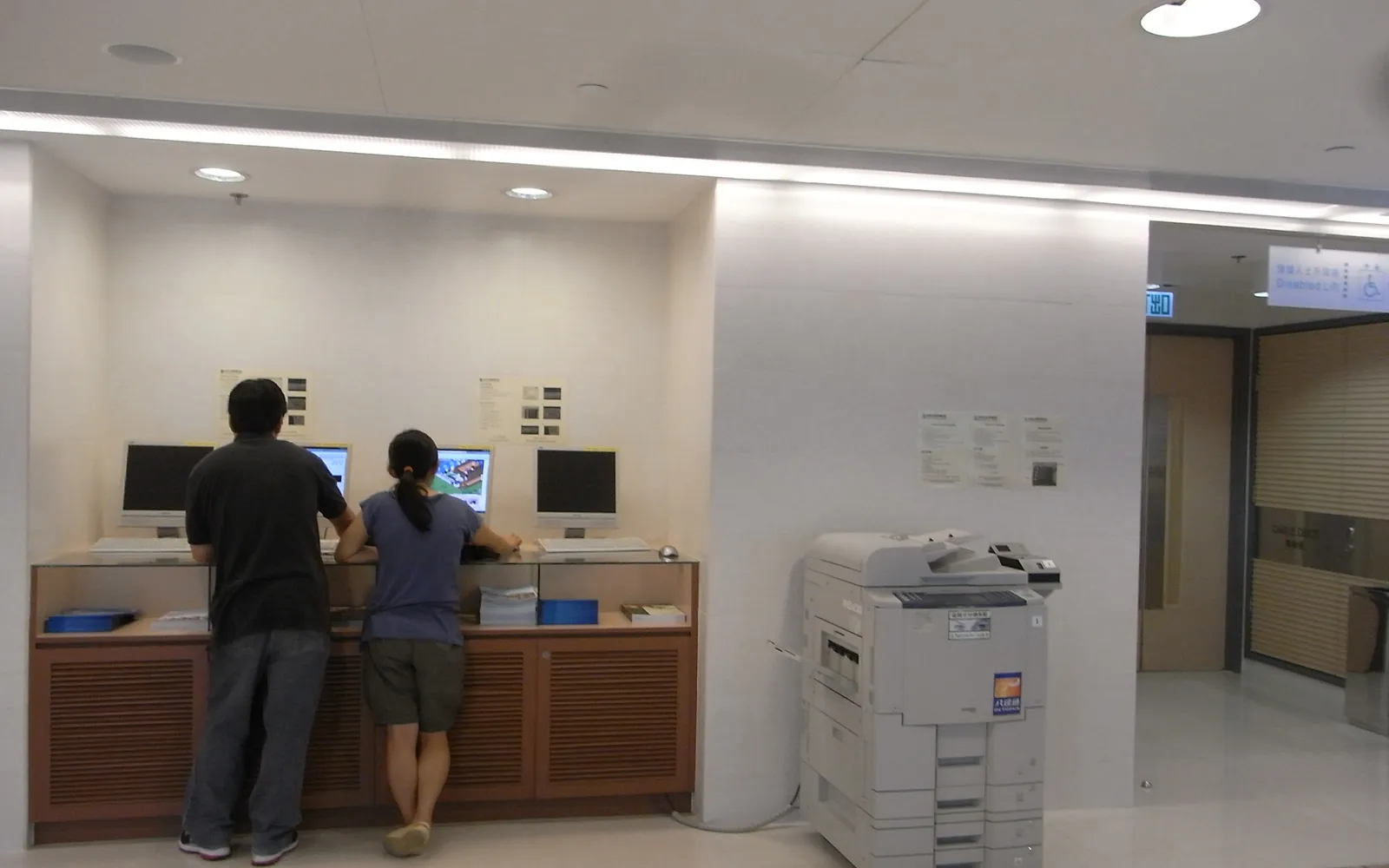
HIPAA compliant printing is less about buying a particular printer and more about how a practice handles patient information at the printer, the scanner, the fax and the copier. Small clinics, dental offices, therapists and billing companies print and scan protected health information (PHI) every day. This checklist translates the relevant parts of the HIPAA rules into printer settings and office habits.
This page is general information for US healthcare organisations, not legal advice. Your own risk analysis, and your compliance officer or legal adviser, decide what is reasonable for your practice.
What the rules cover
Two parts of HIPAA are relevant to printing:
- The Privacy Rule requires covered entities to have appropriate administrative, technical and physical safeguards to protect PHI in any form, including paper (45 CFR 164.530(c)). A lab result left in an output tray is a privacy issue.
- The Security Rule applies to electronic PHI (ePHI). Scans, stored print and copy jobs, fax images and device logs on an MFP can all be ePHI. Its physical safeguards include device and media controls covering disposal and reuse of hardware and electronic media (45 CFR 164.310(d)), and its technical safeguards include access control, audit controls and transmission security (45 CFR 164.312).
There is no HIPAA certification for printers. Vendors who say a device is “HIPAA compliant” mean it has features that can help you meet your obligations.
Why copiers became a HIPAA issue
In 2013 HHS announced a settlement with Affinity Health Plan after photocopiers it had leased and returned were found to contain health information on their hard drives. HHS found the plan had not included the copier drives in its risk analysis and had no policy for disposing of them. The lesson for every practice is simple: list printing devices in your risk analysis and decide what happens to their storage. Our copier hard drive data security guide gives the wiping procedure.
Printing: keep PHI out of trays
- Use secure release so jobs print only when the user signs in at the device. See secure print release and pull printing.
- Place shared printers where patients and visitors cannot see or reach output.
- Avoid personal desk printers in public-facing areas such as reception, unless the screen and tray are out of view.
- Collect output immediately and set unreleased jobs to expire.
- Shred misprints and spare copies; use locked shred bins near printers.
Scanning: control where ePHI goes
- Require sign-in at the MFP for scanning, so each scan is linked to a user.
- Scan to controlled destinations: the EHR, a secured network folder, or the user’s own email only.
- Restrict external email from the device unless there is a clear need and an approved secure method.
- Use encrypted connections (TLS for email, current SMB versions for folders). Our scan to email setup guide covers TLS and sender accounts.
- Clean address books periodically.
Fax
Fax remains common in healthcare. HIPAA does not prohibit it, but it needs safeguards:
- Pre-program and verify frequently used numbers.
- Use a cover sheet with a confidentiality notice.
- Keep fax output in a controlled area, or route incoming faxes to a secure folder or the EHR.
- If you use an MFP’s fax-to-email or an online fax service, apply the same access, logging and encryption checks as other ePHI systems.
Device configuration checklist
For every networked printer and MFP that handles PHI:
- Change the default admin password and limit admin access.
- Keep firmware current.
- Enable storage encryption and automatic overwrite where supported.
- Turn on logging, and keep or export logs according to your policy.
- Disable unused protocols and services.
- Use HTTPS for the admin page and encrypted printing (IPPS) where supported.
- Place devices on a network segment that limits who can reach them.
The general version is in our network printer security checklist.
Vendors and contracts
Copier dealers, managed print providers and cloud print services may handle devices or data that contain PHI. Before signing:
- Ask your compliance officer whether a business associate agreement is needed for that vendor.
- Put data sanitisation duties, method and proof of completion in the contract for swap-outs and end of term.
- Ask how remote monitoring works and what data it collects.
Our guides on managed print services and lease vs buy list other contract points.
Policy and training
Write the printing rules into your HIPAA policies and your office print policy:
- Which devices may be used for PHI.
- Secure release and prompt collection.
- Approved scan and fax destinations.
- Shredding and disposal rules.
- How to report a misdirected fax, lost printout or suspicious device.
Train staff when they join and remind them at least annually.
Disposal and lease return
Before any device leaves the practice:
- Delete stored jobs, address books and accounts.
- Run the device’s secure erase.
- For devices that stored ePHI, consider having the drive removed and destroyed, following NIST SP 800-88 guidance on sanitisation.
- Keep a record of what was done, by whom and when.
Home printing, cloud print and outside the US
Two printing situations often fall outside a practice’s written procedures. The first is staff printing at home, such as billing staff or clinicians writing notes remotely. Decide whether PHI may be printed at home at all, and under what conditions; our remote employee printing policy gives a structure you can adapt.
The second is cloud print services, which may hold print jobs on a provider’s systems. Treat them like any other vendor that may handle PHI, and read our cloud print management guide for the questions to ask about where jobs travel and how long they are kept.
Practices that also treat patients from the UK or EU, or operate there, should check data protection law as well; see GDPR and office printers.
For choosing the devices themselves, including front desk scanning, label printers and treatment room printers, see our guide to a printer for a medical office.
Summary
HIPAA compliant printing comes down to keeping PHI out of sight on paper, controlling where scans and faxes go, securing devices that store ePHI, and sanitising them before they leave. Put printers in your risk analysis, configure them deliberately, and document what you do.
Frequently asked questions
Is there such a thing as a HIPAA compliant printer?
Not as a certification. HIPAA applies to covered entities and business associates, not to products. A printer can have features that help you meet your obligations, such as secure release, storage encryption and audit logs, but compliance depends on your risk analysis, settings, policies and staff.
Do printers and copiers fall under the HIPAA Security Rule?
If they create, receive, maintain or transmit electronic protected health information, such as scans or stored print and copy jobs, they are part of the systems your risk analysis and safeguards must cover. Printed pages containing PHI are covered by the Privacy Rule's safeguard requirement.
Do we need a business associate agreement with our copier dealer?
It depends on whether the vendor creates, receives, maintains or transmits PHI on your behalf, for example by handling device storage or print data. Ask your compliance officer or legal adviser, and make data handling and sanitisation duties explicit in the contract either way.
Is faxing PHI allowed under HIPAA?
HIPAA does not ban fax. You need reasonable safeguards: verified numbers, cover sheets, fax machines in controlled areas, and for fax features on MFPs or online fax services, the same security controls as other ePHI systems.
Sources
Printer.business Editorial Team
Editorial team
The Printer.business editorial team writes independent guides on choosing, costing and managing office printers, using primary sources such as ISO/IEC standards, ENERGY STAR, NIST and the UK NCSC.