Running costs
How to Reduce Printing Costs in an Office: 12 Steps
Written by Printer.business Editorial Team · Updated

If you want to reduce printing costs in a small office, the biggest wins rarely come from haggling over toner. They come from knowing how many pages you print, on which devices, in which colour, and under which contract. This guide sets out twelve practical steps in the order we would apply them, from free changes you can make this week to decisions you take when a lease or device comes up for renewal.
We do not quote prices or promise a percentage saving. Supply prices change often and differ by country and dealer, so every step below tells you how to work out the effect with your own figures.
Step 1: Count your pages
Every office printer and MFP has a page counter, usually in the device menu, the web admin page or a printed configuration report. Note the mono and colour counts for each device on a set date, then again a month later. That gives you real monthly volume per device, which is the base for everything else. Our guide to printer duty cycle and monthly volume explains how to compare that figure with what each device is designed for.
Step 2: Work out cost per page for each device
Divide the price you actually pay for each supply by its rated yield. Yields for toner are measured under ISO/IEC 19752 (mono) and ISO/IEC 19798 (colour) using a standard test page with light coverage, so real pages will differ if your documents are heavy on graphics. Add drums, fusers and other parts that wear out. The full method, with a worked layout, is in our cost per page comparison guide. Once you have a figure per device, you will usually find one or two machines that are far more expensive than the rest.
Step 3: Make duplex and mono the default
Double-sided printing roughly halves paper use for multi-page documents, and black-only output avoids colour consumables. The trick is to set these as defaults, not to ask people to remember:
- In Windows, set printing preferences on the shared printer or print server so new users inherit them.
- On macOS, set presets and push them through your device management tool if you use one.
- On the MFP, set copy defaults to duplex and mono as well.
Staff can still choose colour or single-sided when they need it. Most will not bother when the default is sensible.
Step 4: Put colour behind a decision
Colour pages typically cost several times more than mono pages, because they use three extra toners or inks. Options, from light to firm:
- Mono default in the driver (Step 3).
- User codes or accounts on the MFP, so colour use is visible per person or team.
- Colour only through secure print release, which also stops abandoned jobs.
Our guide to colour vs black-and-white office printers covers when colour is worth having at all.
Step 5: Stop paying for abandoned prints
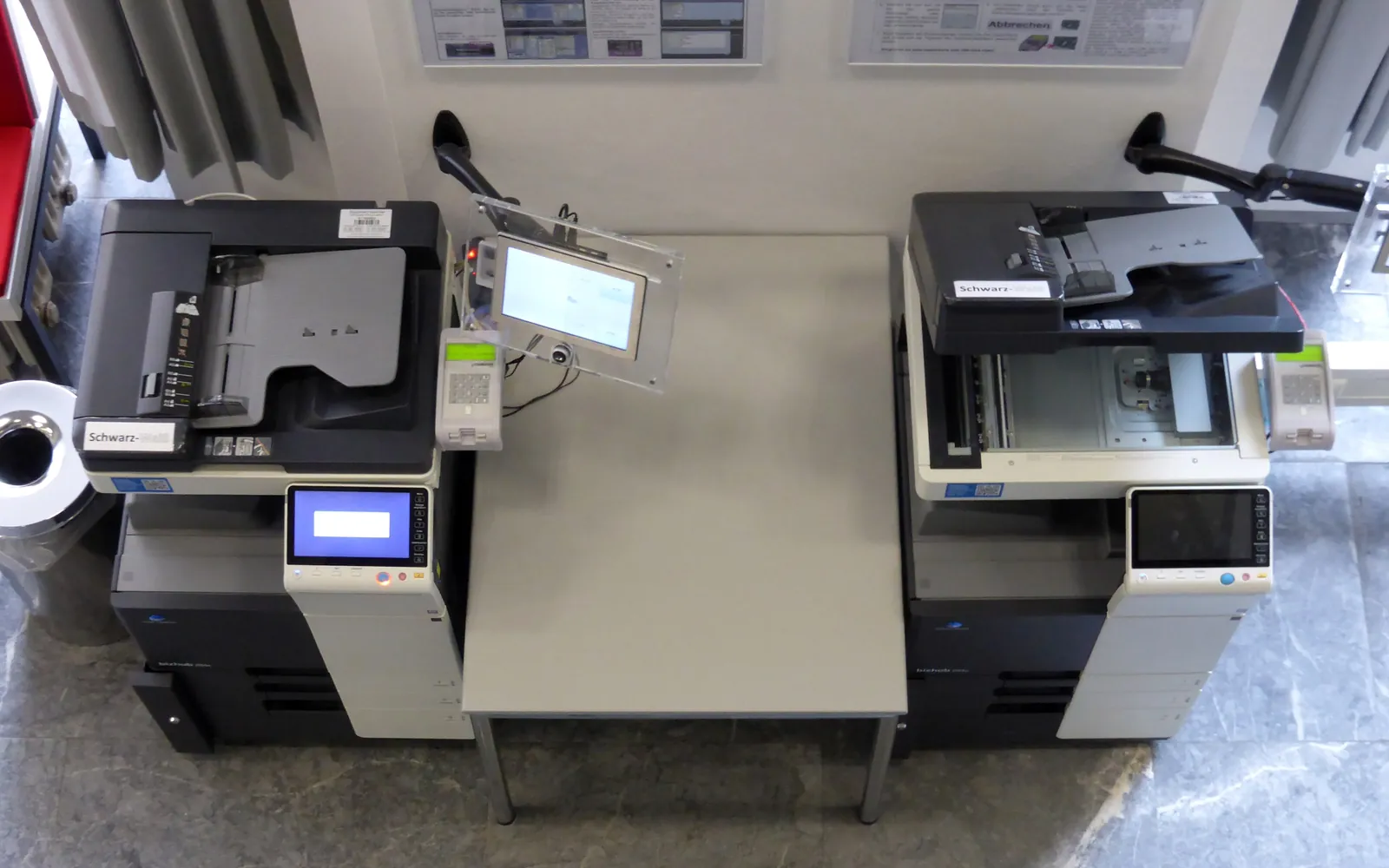
Pages that are printed and never collected are pure waste, and in offices without release controls they pile up beside the printer. Secure or “pull” printing holds jobs until the user authenticates at the device, and jobs that are never released expire. It is also a data protection measure, which makes it easier to justify.
Step 6: Retire the expensive desk printers
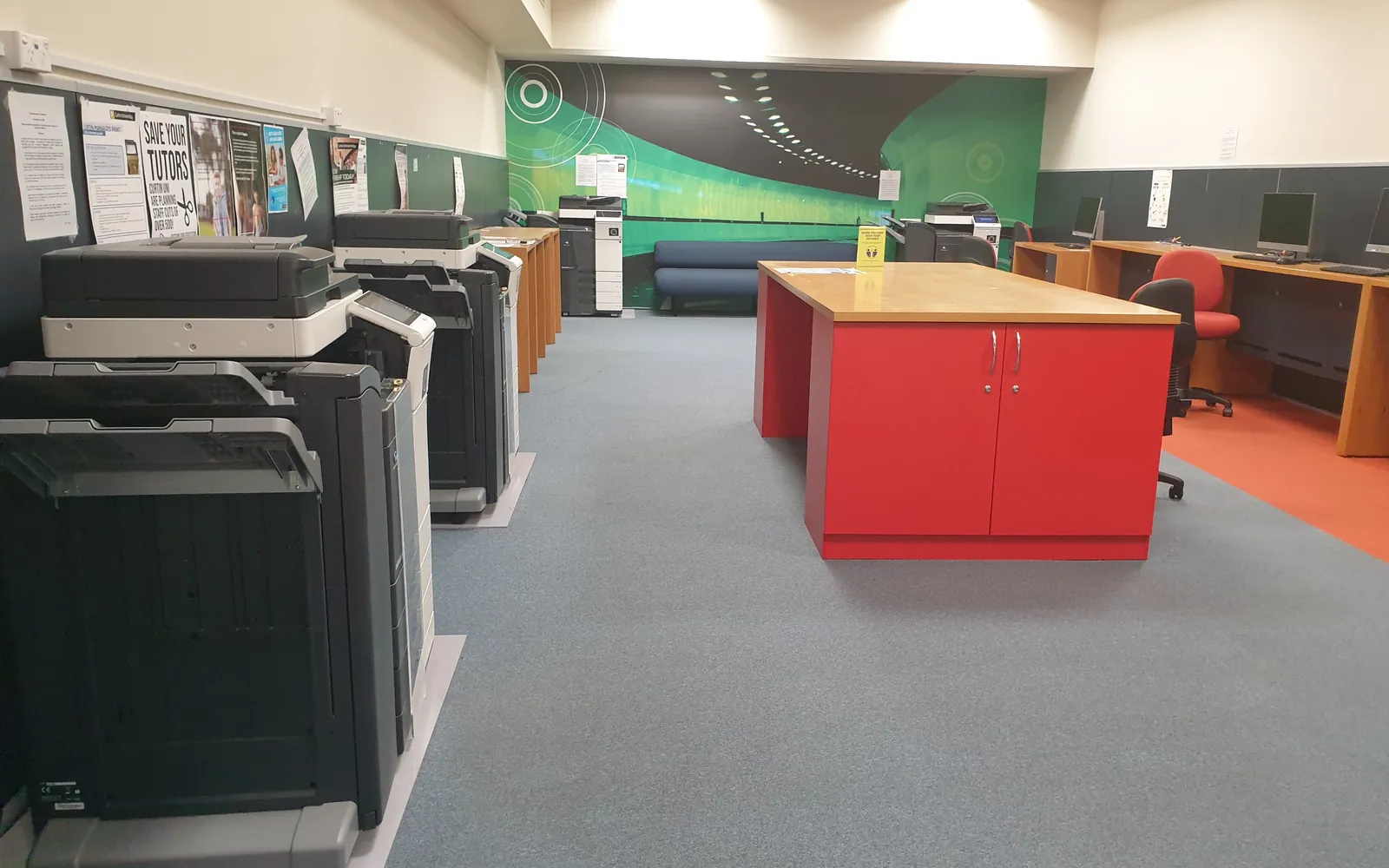
Small personal printers are cheap to buy and expensive to run. They usually have smaller supplies and a higher cost per page, and each one means another set of cartridges to stock. Moving that volume to a shared, properly sized MFP is often the largest structural saving. Keep a personal printer only where there is a clear reason, such as confidential HR work with no secure release available, or a role that prints constantly.
Step 7: Size devices to the volume
A printer that is too small for its workload runs through supplies and parts faster and breaks down more. A device that is far too large ties you into a bigger lease and service contract than you need. Compare your measured volume with each model’s recommended monthly volume, not its maximum duty cycle. The office printer buying guide walks through sizing.
Step 8: Buy supplies sensibly
- Choose high-yield cartridges where the cost per page is lower and you print enough to use them before they age.
- Keep a small, recorded stock rather than a cupboard full.
- If you try compatible or remanufactured toner, test a few cartridges first and compare real page counts. Check what your lease or service contract says about non-original supplies.
- Watch for toner scams: unsolicited calls or invoices for supplies you did not order. Only one named person should order.
More on this in our office printer toner costs guide.
Step 9: Read your contracts
For leased copiers and managed print, the contract often matters more than consumables. Look for:
- Minimum monthly volumes you pay for even if you print less.
- Overage rates above an allowance.
- Annual price increases on the lease or per-page charges.
- Auto-renewal windows that roll the contract on if you miss a notice date.
Put the renewal and notice dates in a calendar. Our lease vs buy guide lists the clauses in more detail.
Step 10: Cut energy use
Office printers spend most of their lives idle. Make sure sleep and auto-off settings are on and not overridden, and choose ENERGY STAR certified equipment when replacing devices. See office printer energy use for how to compare models using the published typical electricity consumption figures.
Step 11: Move paper workflows online where they already exist
Forms, approvals, expense receipts and invoices are common print drivers that many small offices can handle digitally with tools they already pay for. Scanning to email or a shared folder also reduces copying. If scanning is clumsy, people print instead, so it is worth setting up properly: see scan to email setup.
Step 12: Write it down and re-measure
Put the rules in a short office print policy, name one person responsible for supplies and devices, and repeat the counter readings after three months. Compare total pages, colour share and cost per page with your starting point. If you want a more structured baseline, follow our office print audit checklist.
What not to do
- Do not buy the cheapest printer to “save money”: the purchase price is a small part of the total cost of ownership.
- Do not set strict quotas that people work around by printing elsewhere.
- Do not sign a managed print contract based on a saving estimate you cannot check against your own counts.
Three more places to look
- Stop printing documents that do not need paper. Printing to read, review, sign or file is often the largest single category. Our paperless office guide lists what to stop first and what you must still keep.
- Read your click invoices. If you pay per click, check minimum volumes, colour definitions and annual increases against your meter readings. See copier cost per click explained.
- Close the loop on supplies. Collecting empties for take-back or remanufacture does not reduce cost directly, but it is often bundled with supply contracts and avoids disposal charges. See toner cartridge recycling for businesses.
Summary
Measure first, set sensible defaults, remove the most expensive devices, and read your contracts. Those four actions account for most of the savings a small office can make, and none of them depends on finding a cheaper toner supplier.
Frequently asked questions
What is the fastest way to reduce printing costs?
Set double-sided and black-and-white printing as the default in printer drivers and on the devices themselves. It costs nothing, takes an afternoon, and affects every page printed afterwards.
Do personal desk printers cost more than shared ones?
Often, yes. Small desktop printers usually have smaller cartridges with higher cost per page, and each one needs its own supplies and attention. Consolidating onto a well-sized shared MFP often lowers both cost per page and admin time, but check walking distance and confidentiality needs.
Is compatible toner a good way to save money?
It can lower the cost per page, but quality and yield vary between suppliers. Test a small batch, compare real page counts, and check how your lease or service contract treats non-original supplies before switching.
How much can a small office save on printing?
It depends entirely on your starting point. Measure your current page counts and cost per page, apply the changes, and compare the same figures three months later. Be wary of anyone who quotes a saving percentage before seeing your numbers.
Should we go paperless instead?
Reducing paper where a digital workflow already exists, such as approvals, forms and invoices, is sensible. Some documents still need printing, so aim for less and cheaper printing rather than a paperless promise.
Sources
Printer.business Editorial Team
Editorial team
The Printer.business editorial team writes independent guides on choosing, costing and managing office printers, using primary sources such as ISO/IEC standards, ENERGY STAR, NIST and the UK NCSC.