Print management
Online Fax vs Fax Machine: Office Fax Options for 2026
Written by Printer.business Editorial Team · Updated
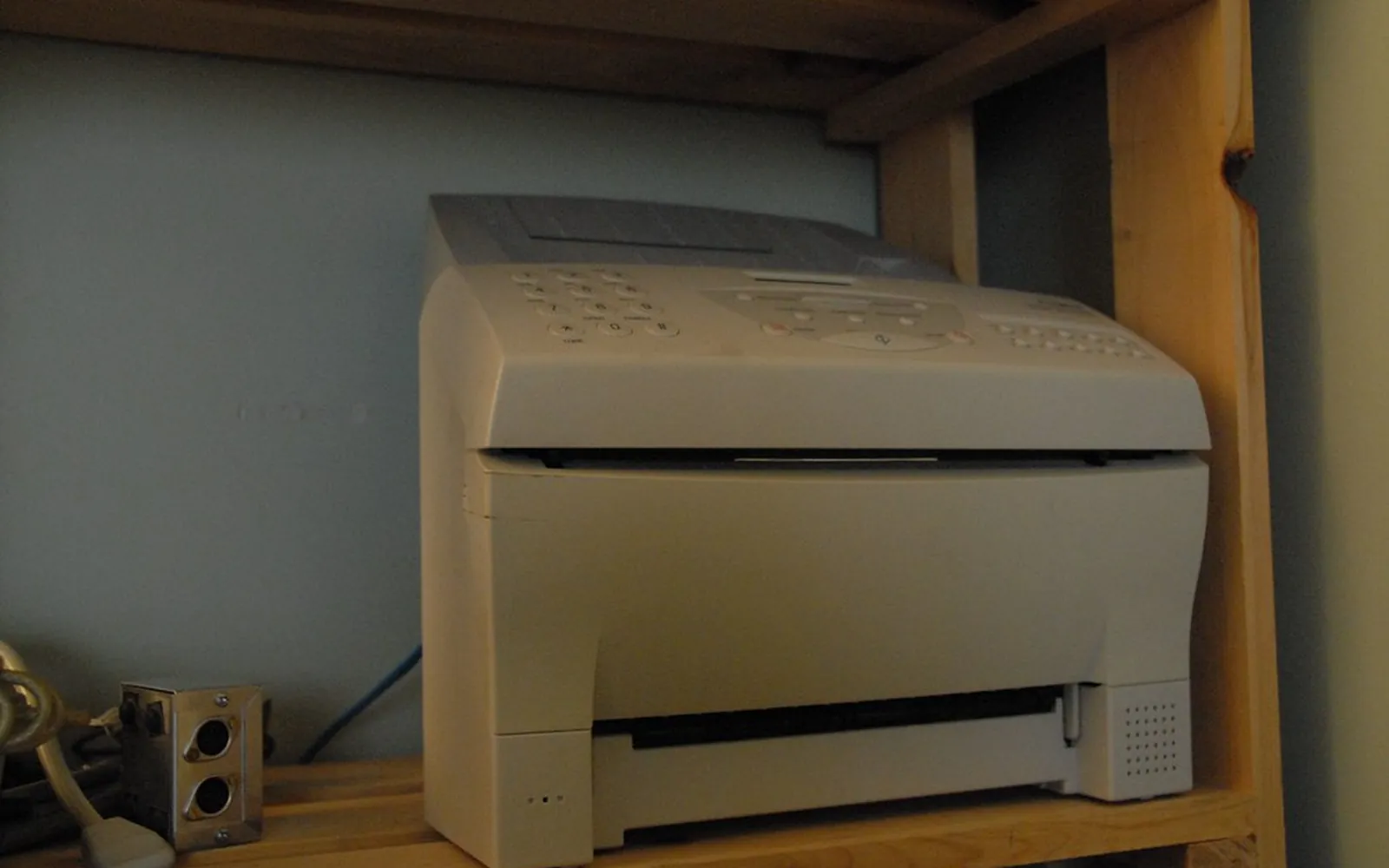
The online fax vs fax machine question has become urgent for many offices in 2026. Fax has not disappeared: some healthcare providers, pharmacies, courts, insurers and public bodies still send and require it. At the same time, the analogue phone lines that fax machines were designed for are being retired in many countries, and fax over internet-based lines is less dependable. This guide explains what is changing, the options available to a small office, and how to choose between a fax machine (or the fax function on a multifunction printer) and an online fax service.
Why fax is still around
Fax persists because it is simple, widely accepted as a delivery record, and built into many established workflows. In US healthcare, for example, fax remains common between providers and pharmacies. Some legal and public sector processes also accept or expect it. The first step is not choosing technology but finding out who you actually fax with:
- Which contacts send you faxes, and roughly how many a month?
- Which contacts require you to send by fax, and could they accept email or a portal instead?
- Do any of those documents contain health, financial or other sensitive data?
Many offices discover that fax volume is small and concentrated on a few contacts. That changes the decision.
What is changing on phone lines
Traditional fax machines talk to each other over analogue phone lines, the public switched telephone network. Telecom providers in many countries are moving customers off those lines onto digital, internet-based services. In the UK, for example, the industry is working to move landlines to digital technology, with the switch-over planned to complete by early 2027 according to local authority guidance. Other countries have their own timetables, and providers must tell customers before a line moves.
Fax over digital lines can work, but it is sensitive to the delays and compression used for voice over internet. The international standard for carrying fax over IP networks is ITU-T T.38. If your provider supports T.38, or offers a line designed for fax, a fax machine or MFP fax module often keeps working. If not, faxes may fail intermittently, especially longer documents. Ask your provider before the switch, and test sending and receiving afterwards.
The same switch can affect other office equipment that uses a phone line, such as alarm diallers, lift phones and older payment terminals. Include them in the same check.
Your options
A fax machine or MFP fax on a suitable line
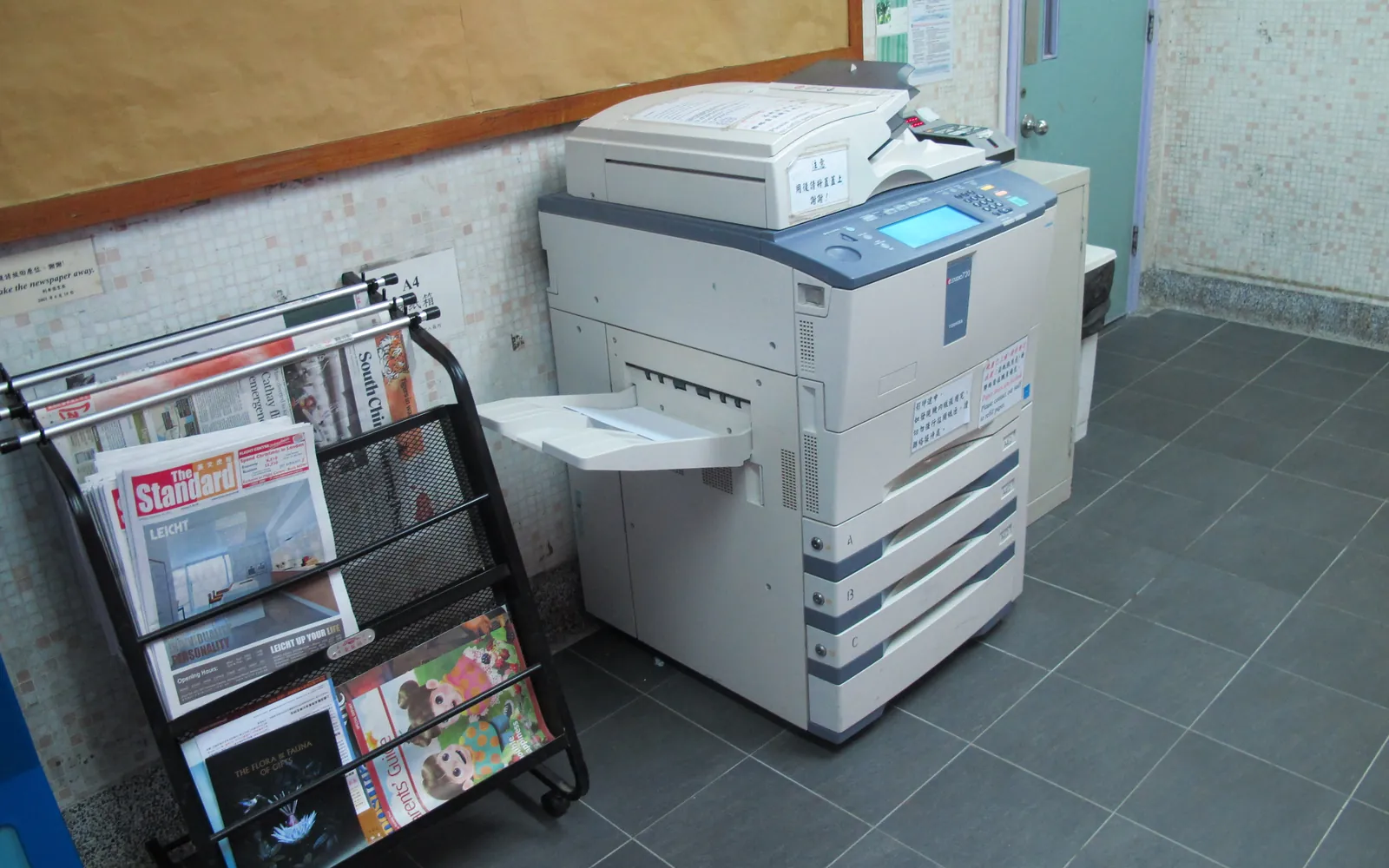
Many business multifunction printers have a fax module, so you may not need a separate machine. This option keeps a familiar workflow: load paper, dial, send. It suits offices with regular fax traffic and staff who prefer paper. It needs a phone line that supports fax reliably, and received faxes print on paper or, on many MFPs, can be forwarded to email or a folder. Our multifunction printer for an office guide covers what to check in the fax module.
An online fax service
Online fax services give you a fax number and send and receive through email, a web portal or an app. Outgoing documents are uploaded or emailed; incoming faxes arrive as PDF files. There is no phone line or machine to maintain, and staff can fax from anywhere. Combined with scan to email on your MFP, paper documents can still be faxed.
The trade-off is that a third party now handles and stores your documents. Check where data is stored, how long it is kept, how access is controlled, and what happens when you leave the service, including whether you can keep your fax number.
A fax server or fax gateway
Larger offices sometimes run a fax server or a gateway connected to their phone system, letting users fax from their desktop and keeping a central log. For most small offices this is more than needed, but it can make sense where fax volume is high or integration with other systems matters.
Comparing online fax and a fax machine
| Factor | Fax machine or MFP fax | Online fax service |
|---|---|---|
| Phone line | Needs a line that handles fax reliably | No line needed |
| Where faxes arrive | Printer tray, or forwarded to email or folder if supported | Email inbox, portal or app |
| Working remotely | Hard unless forwarding is set up | Easy |
| Running costs | Line rental, paper, toner, maintenance | Subscription or per-page fees |
| Data handling | Stays on your device and line | Stored by the provider |
| Reliability risk | Line changes and IP conversion | Provider outage, email filtering |
Whichever you choose, the costs depend on your provider and volume; compare current quotes rather than relying on general figures.
Security and compliance
A fax machine’s main risk is physical: received faxes sitting in an open tray. Place the device in a controlled area, use memory receive or secure forwarding where the MFP supports it, and wipe stored data when a device is returned; see copier hard drive data security.
Online fax shifts the risk to the provider and to email. Use strong account security, limit who can access the fax inbox, and check whether faxes are encrypted in storage and transmission.
In US healthcare, HIPAA does not ban either option. If an online fax provider creates, receives, keeps or transmits protected health information for a covered entity, it is generally a business associate and a business associate agreement is expected, along with safeguards under the HIPAA rules. Our HIPAA-compliant printing guide covers the printing side. UK and EU businesses should check the provider’s data processing terms under data protection law, and law firms should review confidentiality duties as in our printer for a law firm guide.
If you send marketing by fax in the US, federal rules on unsolicited fax advertisements apply, including opt-out requirements under the Junk Fax Prevention Act. Most offices simply should not send marketing faxes.
How to decide
- Count your faxes for a month, sent and received, and note who they are with.
- Ask your phone provider whether your line will change and whether fax is supported afterwards.
- Ask your fax contacts whether they accept secure email or a portal instead.
- Choose: a small, occasional volume usually suits an online service; steady volume with paper-based staff may suit MFP fax on a suitable line.
- Test sending and receiving with your main contacts before you cancel anything, and keep your fax number if contacts rely on it.
Summary
In the online fax vs fax machine decision, start with who you fax and how often. Fax machines and MFP fax modules still work well on lines that support fax, but analogue line retirement makes reliability something to check. Online fax services remove the line and work from anywhere, at the cost of handing documents to a provider. Check security and compliance terms, test with real contacts, and go paperless where your contacts allow it, as described in our paperless office guide.
Frequently asked questions
Do businesses still need a fax in 2026?
Some do. Certain healthcare providers, pharmacies, courts, insurers and public bodies still send or require faxes. Check which of your contacts actually use fax before keeping or replacing a line; many offices find they only need occasional fax, which an online service can cover.
Will my fax machine work on a digital phone line?
Sometimes, but not reliably. Fax was designed for analogue lines. Over internet-based lines it works best when the provider supports the T.38 fax standard or offers a line designed for fax. Ask your provider before switching, and test sending and receiving afterwards.
Is online fax secure enough for HIPAA?
HIPAA does not ban fax or online fax. A US covered entity using an online fax service that handles protected health information generally needs a business associate agreement with the provider and appropriate safeguards. Check the provider's terms and your own compliance advice.
Can a multifunction printer send faxes without a phone line?
Only if it supports internet fax or a fax server or online fax service. A standard MFP fax module needs a compatible phone line. Many MFPs can also scan to email, which an online fax service can then send as a fax.
What happens to faxes when analogue lines are switched off?
Each provider moves customers to a digital service. Check whether your fax machine, alarm or payment terminal still works after the move, and plan an alternative, such as an online fax service, if it does not.
Sources
Printer.business Editorial Team
Editorial team
The Printer.business editorial team writes independent guides on choosing, costing and managing office printers, using primary sources such as ISO/IEC standards, ENERGY STAR, NIST and the UK NCSC.